










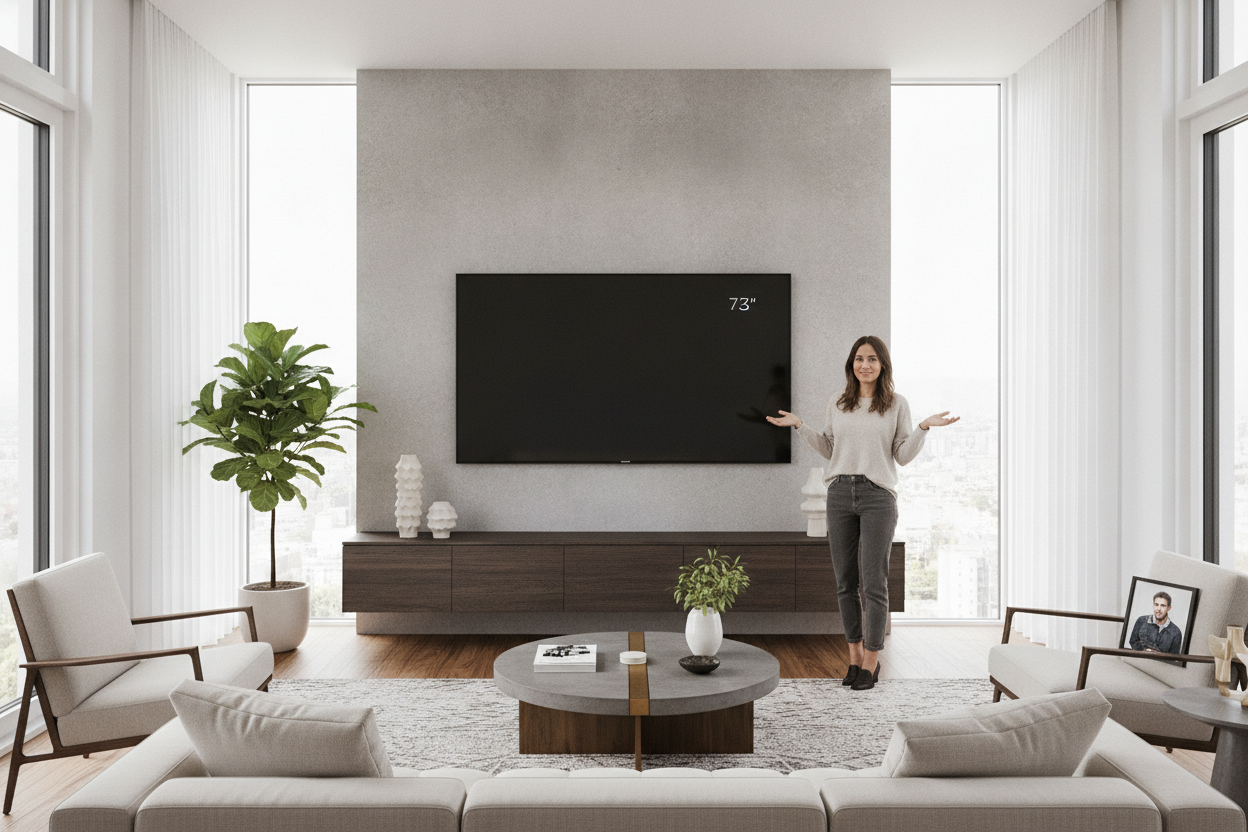
I spent three weeks staring at my 75-inch TV sitting on a hand-me-down dresser that looked like it was screaming for help. The screen is a beast—nearly 65 inches wide—and putting it on a traditional floor unit made my living room feel like a cramped electronics store showroom. I finally decided to bite the bullet and install a floating tv shelf for 75 inch tv, even though the thought of 80 pounds of MDF and tech ripping out my drywall kept me up at night.
Quick Takeaways
- Always mount into at least two wall studs; drywall anchors alone are a recipe for disaster.
- Your console should be at least 10-20% wider than the TV to maintain visual balance.
- Standard 16-inch stud spacing is your best friend for weight distribution.
- Cable management kits are the only way to get that 'floating' look without visible wire spaghetti.
Why My Bulky Floor Cabinet Had to Go
The problem with massive screens is the footprint they demand. When you pair a 75-inch display with a standard floor-sitting cabinet, you lose about 6 to 8 square feet of floor visibility. In a medium-sized room, that makes the space feel heavy and cluttered. I realized that getting the furniture off the floor instantly makes the room feel larger because your eyes can track the floor all the way to the baseboards.
Switching from traditional Tv Stands to a 75 inch tv floating entertainment center is the ultimate spatial cheat code. It creates a sense of airiness that a ground-heavy unit just can't match. Plus, it stops the 'black hole' effect where a giant TV and a giant stand combine into one massive, soul-sucking dark rectangle against your wall.
The Math That Kept My Drywall Intact
Address the elephant in the room: the sheer terror of ripping your wall down. Physics is a cold mistress, and a floating media console for 75 inch tv holds a lot of leverage. Most of these units weigh between 50 and 90 pounds before you even put a gaming console inside. If you try to hang this with 'heavy-duty' drywall toggles, you're asking for a structural failure.
I used a high-end stud finder to locate three separate studs. Since most homes have studs 16 inches apart, a 70-inch or 80-inch console should easily span four of them. I used 3-inch lag bolts to bite deep into the wood. Reassuringly, a floating tv stand up to 75 inch is perfectly safe if you hit the studs. I actually sat my 40-pound dog on the unit as a test (don't tell my wife) and it didn't even creak.
Proportions Matter: Don't Let the TV Dwarf Your Console
Visual weight is where most DIYers mess up. A 75 inch floating tv shelf needs to be significantly wider than the actual width of the television. My TV is roughly 65 inches wide; if I had bought a 65-inch shelf, the whole setup would look top-heavy and precarious. It creates a 'mushroom' effect that feels unstable.
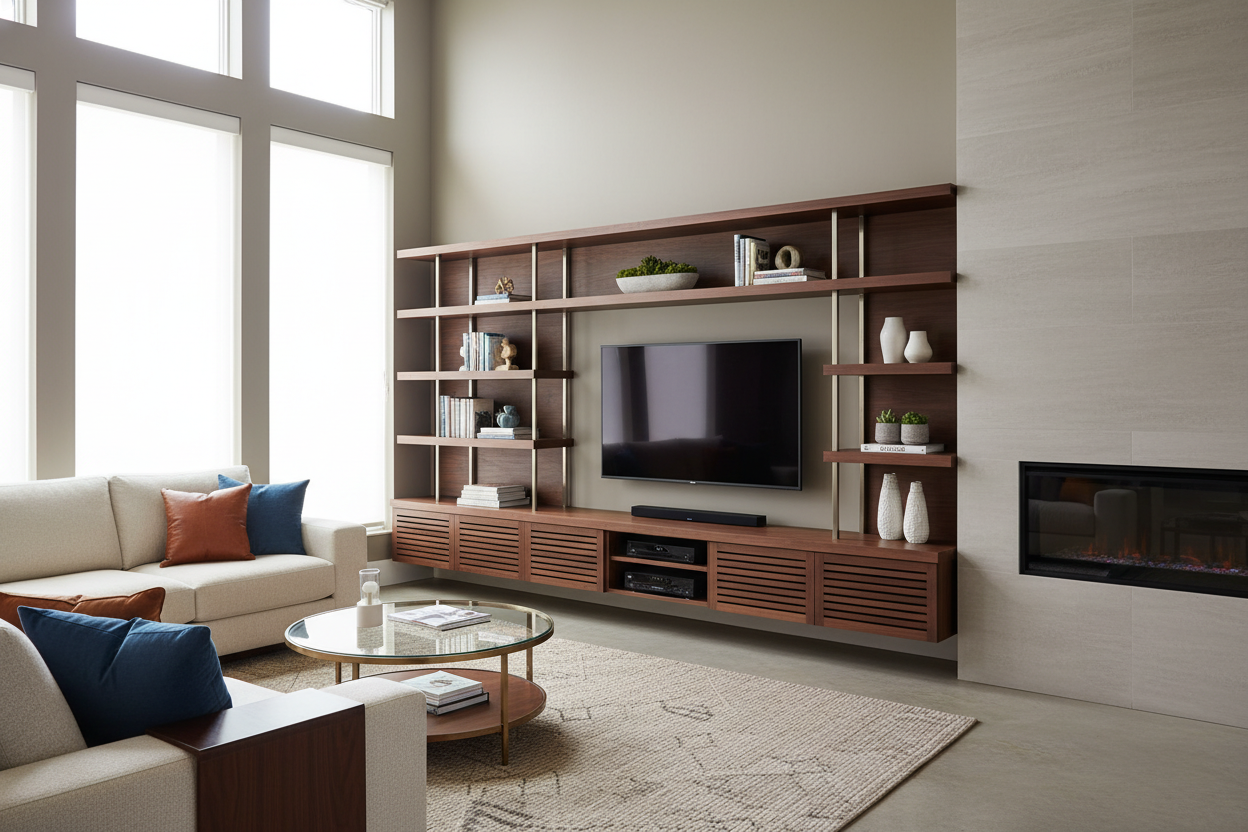
The 'golden ratio' for a floating wall entertainment center for 75 inch tv is to have at least 6 to 10 inches of overhang on either side of the screen. This grounds the display and gives you room for decor. I found that How I Styled A Tv Entertainment Center For 75 Inch Tv Without Hating It really comes down to using that extra width for a few curated objects—a ceramic vase or a stack of books—to break up the hard lines of the tech.
Where Do the Cords Actually Go?
Let's spill the tea on social media's biggest lie: the magically cordless floating 75 inch tv stand. Unless you’re a wizard, those wires exist. The 'clean' look you see in photos usually involves a brush-plate cable routing kit. I cut two holes in my drywall—one behind the TV and one behind the console—and fished the HDMI and power cords through the wall cavity.
If you aren't allowed to cut holes in your rental, use a paintable cable raceway. It’s a slim plastic channel that sticks to the wall. It’s not 100% invisible, but once you paint it the exact color of your wall, it disappears enough that you won't notice it while binge-watching. A floating 75 inch tv stand loses all its 'magic' the second a thick black power strip cord dangles down the middle.
Shop the Look: My Go-To Wall Mounted Options
When you're shopping for a floating tv stand 75, look for depth and mounting hardware. You want at least 10 inches of depth if you plan on housing a PlayStation or Xbox. Many 'slim' models are only 8 inches deep, which is fine for a cable box but useless for modern gaming consoles. Check the back panel too—you want a unit with pre-drilled cord drop cutouts so you aren't drilling through finished wood yourself.
If you're ready to make the jump, I highly recommend the Floating Tv Stand Wall Mounted Media Console Entertainment Center. It has the structural integrity to handle the weight and the internal clearance for all your peripherals. Just remember: measure twice, drill once, and for the love of your floorboards, find those studs.
FAQ
Can I install a floating shelf on a plaster wall?
Yes, but it's trickier. You still need to find the lath and studs. Use a specialized bit to avoid cracking the plaster, and definitely avoid using expansion anchors which can crumble old plaster over time.
How high should I mount the shelf?
Your TV should be at eye level when seated. Usually, this means the bottom of your floating console will sit about 10 to 15 inches off the floor. Don't pull a 'TV too high' and mount it near the ceiling.
Will it hold the weight of the TV?
Most people mount the TV to the wall separately and the shelf below it. However, if you plan to sit the TV on the shelf, ensure the shelf is rated for at least 120 lbs to account for the 'static load' and any accidental pressure.


Dejar un comentario
Este sitio está protegido por hCaptcha y se aplican la Política de privacidad de hCaptcha y los Términos del servicio.