










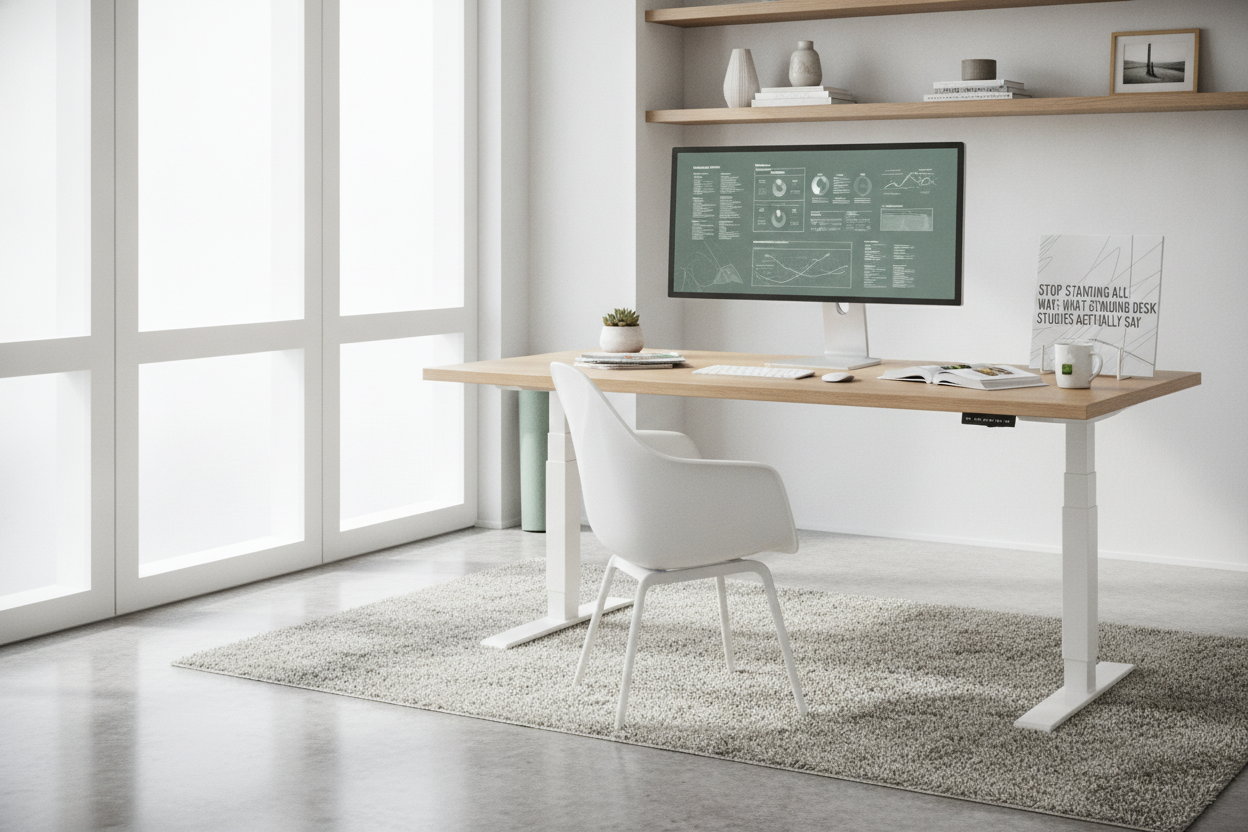
I remember the day I hauled my perfectly good ergonomic chair to the hallway and vowed to never sit again. I had read the headlines—sitting is the new smoking—and I was ready to be the healthiest version of myself. Two weeks later, I was icing my ankles and popping ibuprofen like candy because my lower back felt like it had been compressed by a hydraulic press.
The truth is, I fell for the marketing before I actually looked at the standing desk studies. I thought standing was a binary choice, like being a vegetarian or a marathon runner. It turns out, standing for eight hours straight is just as hard on your circulatory system as sitting for eight hours is on your spine. You aren't a statue; you're a biological machine that needs movement.
Quick Takeaways
- Standing all day is just as bad as sitting all day—it leads to varicose veins and joint fatigue.
- The magic ratio is 3:1 (sit for 45 minutes, stand for 15).
- Standing only burns about 8-9 extra calories per hour compared to sitting.
- Movement, not just standing, is the actual goal of a sit-stand setup.
The 'Stand All Day' Myth That Ruined My Knees
When I first got my setup, I treated it like a challenge. I stood until my calves throbbed and my heels felt like they were walking on hot coals. I thought the pain was just 'weakness leaving the body.' It wasn't. It was my body screaming that I was overtaxing my joints without giving my muscles a break. Any standing desk benefits study worth its salt will tell you that static standing is a recipe for orthopedic disaster.
I developed a nasty case of plantar fasciitis because I was standing on a hardwood floor in thin socks. I was so focused on 'not sitting' that I ignored the basic physics of my own weight pressing down on my arches for a full shift. If you try to go from zero to eight hours of standing, you’re going to hate your desk within a week.
What the Standing Desk Studies Actually Say About Our Bodies
If you look at the actual data, the benefits of standing aren't about burning massive calories. You aren't going to drop ten pounds just by getting rid of your chair. Instead, the real wins are in metabolic health and spinal decompression. Standing after a meal helps your blood sugar levels return to normal faster than sitting does. It’s about keeping your systems 'online' rather than letting them go into a low-power hibernation mode.
Ergonomic researchers suggest that the key isn't the standing itself, but the transition. When you move, you engage your core and shift your weight. I found that having a large height adjustable standing desk made a massive difference here. When you have enough surface area, you aren't cramped. You can move your mouse, shift your keyboard, and naturally lean or sway, which keeps your blood flowing. A cramped desk forces you into one rigid posture, which is exactly what we are trying to avoid.
The magic 3:1 ratio for sitting and standing
So, what is the 'Goldilocks' zone? Most experts and any modern standing desk benefits study point toward a 3:1 ratio. For every 45 to 60 minutes you spend sitting, you should stand for 15 to 20 minutes. This prevents the 'pooling' of blood in your legs while still giving your back the relief of a postural change. I set a timer on my phone now. When it dings, the desk goes up. When it dings again, I sit back down. My knees have never been happier.
Why Memory Presets Are Actually a Medical Necessity
I used to have a manual crank desk. It took about 40 turns to get it from sitting height to standing height. You know how many times I actually moved it? Maybe once a day. Usually never. Friction is the enemy of ergonomics. If it’s even slightly annoying to change your desk height, you will stay in whatever position you started in, even if your back is screaming.
This is why I tell everyone to skip the manual versions and get an electric lift system desk with memory presets. Being able to hit a button and have the desk glide to your exact elbow height while you grab a coffee is the only way you’ll actually use the feature. I have one preset for my 'sitting with shoes' height and one for my 'standing on an anti-fatigue mat' height. Those two inches of difference in the mat thickness matter for your neck angle.
How to Style Your Space So You Actually Want to Move
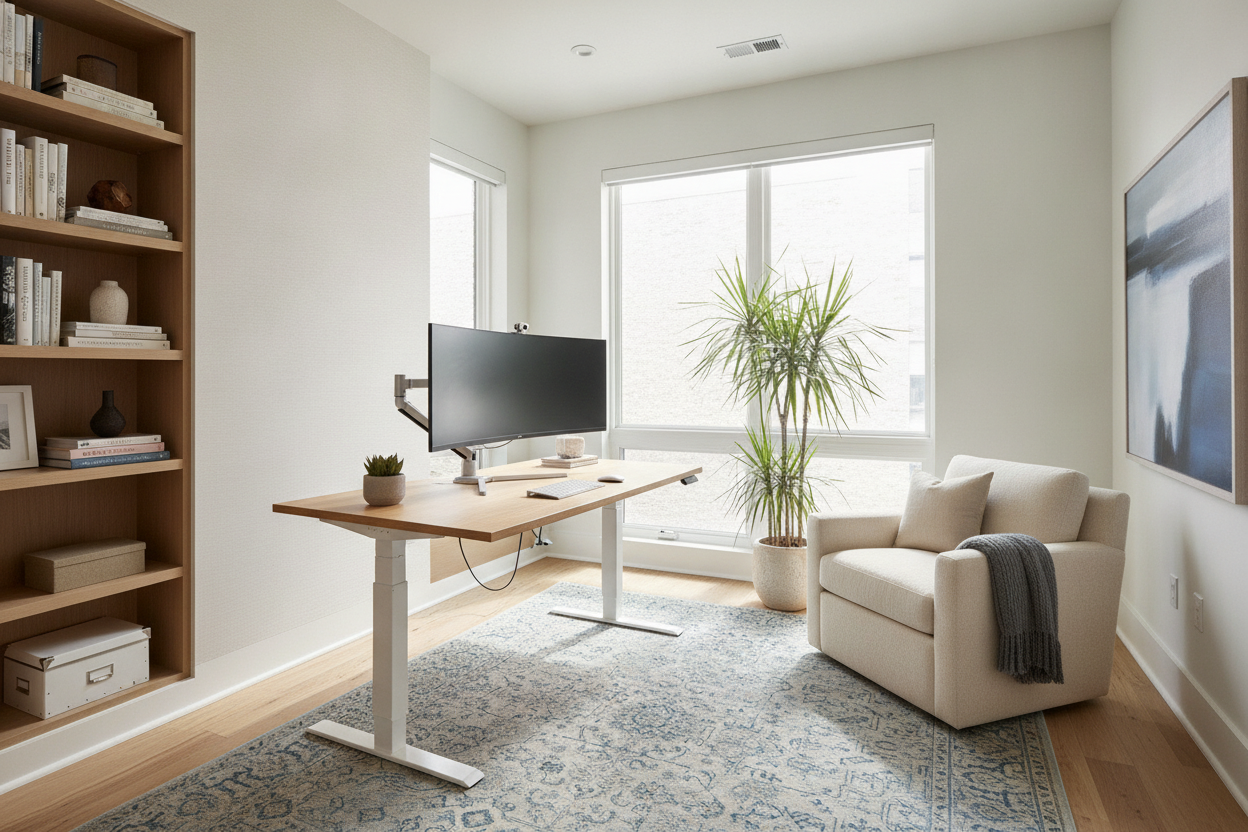
Your office shouldn't look like a sterile hospital room just because you're worried about your health. I’ve found that I’m much more likely to stand and move around if my environment feels intentional. This means hiding the cable nest that usually hangs under a standing desk and choosing finishes that don't scream 'corporate cubicle.'
If you're struggling with how to make a motorized desk look good in a home setting, there are plenty of designer ideas for standing desk layouts that treat the desk as a piece of furniture rather than a piece of equipment. Add a high-quality anti-fatigue mat—I prefer the ones with 'topography' so I can stretch my calves while I work—and suddenly, the standing portion of your day feels like a break rather than a chore.
FAQ
Do I need special shoes to use a standing desk?
You don't need 'special' shoes, but you shouldn't stand barefoot or in flat flip-flops on a hard floor. Wear supportive sneakers or, better yet, get a thick anti-fatigue mat so you can work in your socks comfortably.
Will a standing desk help my back pain?
Yes, but only if you use it in intervals. If you stand too long, you might actually increase lower back strain. The goal is to change positions before the pain starts, not after.
Is it hard to type while standing?
It takes about two days to get your 'standing aim' down. The trick is ensuring your desk is at elbow height so your wrists stay flat. If the desk is too high or too low, your typing speed will definitely tank.

Dejar un comentario
Este sitio está protegido por hCaptcha y se aplican la Política de privacidad de hCaptcha y los Términos del servicio.