










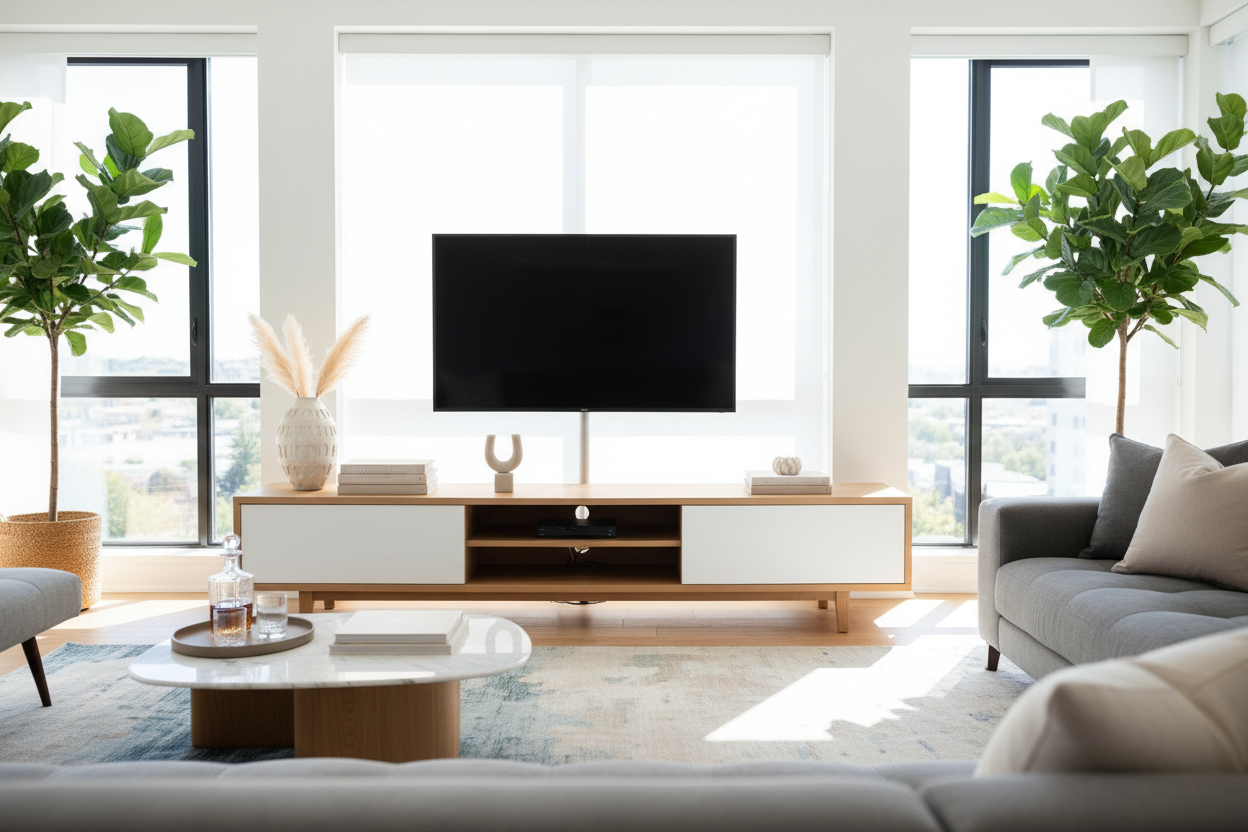
I remember staring at my first 'adult' living room and realizing it looked like the backroom of a Best Buy. Cords were everywhere, a router was blinking like a distress signal, and a stack of physical games I hadn't played in years sat in a sad, plastic pile. We spend thousands on our screens and sofas, but the decorative tv stands underneath them usually end up as glorified dust magnets for electronic junk. It is time to treat that surface like the prime styling real estate it actually is.
- Divide the surface into three zones: left, center, and right for instant balance.
- Use vertical items on the outer edges to frame the screen without blocking it.
- Keep center decor under 4 inches tall to avoid fighting the remote sensor.
- Hide the router in a ventilated decorative box or basket.
Confession: My Console Used to Be a Messy Tech Dumping Ground
I used to think a sleek piece of wood was all I needed to make a room look finished. I eventually swapped my minimalist console once I realized that open shelving is a trap for anyone who actually owns a PlayStation or a cable box. If you cannot hide the mess, you are just decorating a landfill. I had to stop viewing my media center as a utility shelf and start seeing it as a foundational piece of furniture.
The mindset shift is simple: the TV is the guest, but the console is the host. When you treat the stand as a display area first and a tech holder second, the whole room feels more intentional. I started by stripping everything off—yes, even the TV if it is not wall-mounted—and starting with a blank slate. You would be surprised how much 'essential' tech you can actually tuck away in a drawer or a basket.
The 'Rule of Thirds' for TV Stand Decor
If you are struggling with how to style a tv stand, stop overthinking it and use the rule of thirds. Mentally divide the top of stylish TV stands into three sections. The left and right sections are for your 'anchors'—items with some height and personality. The center section, directly under the screen, is for your 'low-profile' items. This creates a visual 'U' shape that frames your TV rather than competing with it for your attention.
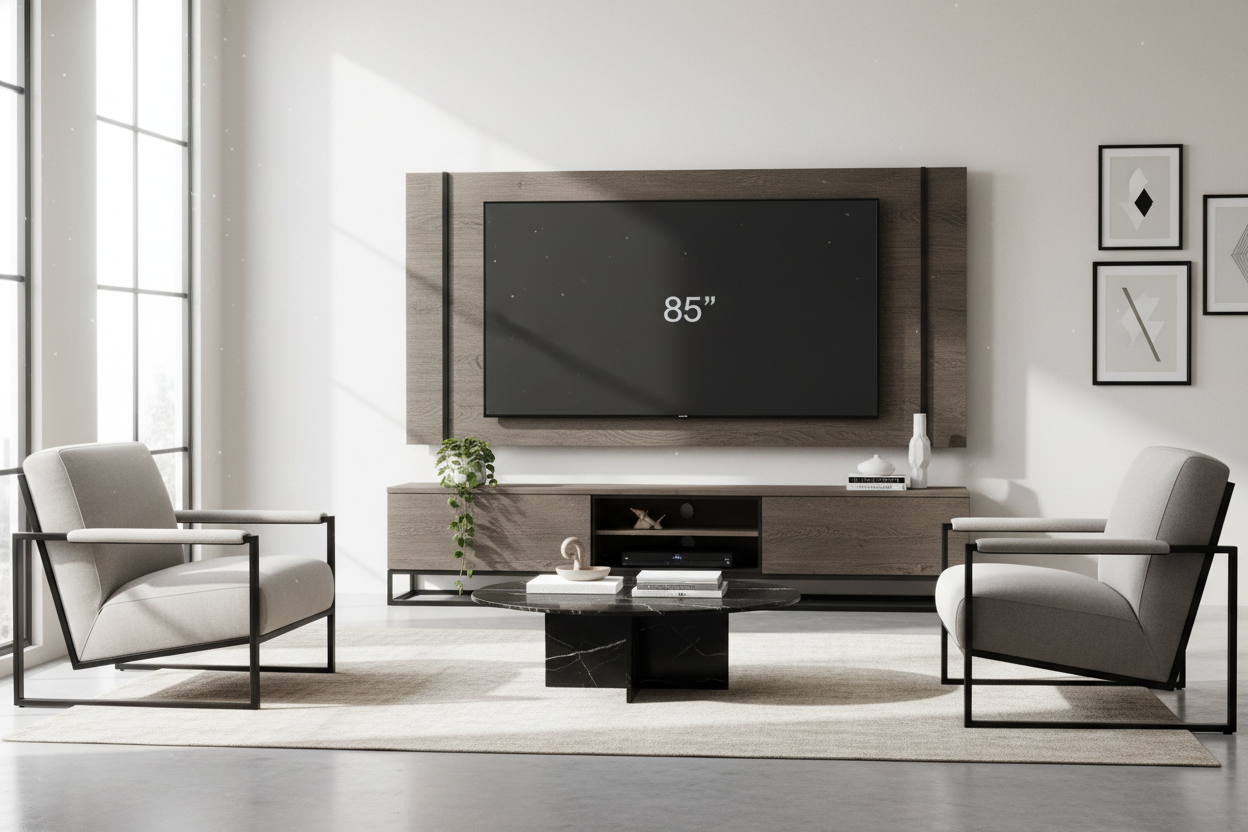
I personally like to keep my heavier items on the side furthest from the room's entrance. It makes the furniture feel grounded. If you have a 65-inch screen, your side decor should be at least 12 to 15 inches tall. Anything smaller looks like a toy next to a giant black rectangle.
Anchoring the Sides (Height Without Blocking the View)
This is where you bring in the 'tall stuff.' Think architectural lamps, a cluster of three different-sized vases, or a stack of coffee table books with a heavy brass object on top. I am a big fan of using a single, oversized branch in a heavy ceramic vase. It adds an organic shape that breaks up the rigid, boxy lines of the TV and the console itself. Just make sure whatever you pick doesn't creep into the frame of the screen; there is nothing more annoying than a leaf blocking the score during a game.
The Middle Ground: Table Under TV Decor
The space directly under the screen is the most dangerous zone for tv stand decor ideas. If you put something too tall here, you will be leaning like a weirdo to see the subtitles. Stick to items that are long, lean, and low. A marble tray is my go-to because it corrals the remotes and maybe a pair of glasses without looking cluttered. A shallow wooden bowl or a set of three small, textured stones also works. Keep it under 4 inches tall to ensure your remote's IR signal actually hits the sensor.
How to Decorate Around a TV Stand So It Doesn't Float
A common mistake is forgetting the floor and walls. An L-shaped media console is a bit of a cheat code because its asymmetrical design naturally anchors the corner of a room, but for standard stands, you need to add 'weight' to the sides. I usually put a large woven basket on one side for extra blankets and a tall plant—like a Dracaena or a large snake plant—on the other.
This 'softens' the electronics. The goal is to make the TV look like it belongs in a home, not a showroom. If your TV is wall-mounted, leaning a piece of framed art on the console so it slightly overlaps the bottom of the TV (without covering the screen) can make the technology feel like part of a gallery wall.
Hiding the Ugly Stuff: Routers, Cords, and Controllers
Nothing kills a high-end look faster than a 'spaghetti' of black power cords. If you have a dark wood or metal unit, try to avoid a heavy living room vibe by using light-colored baskets to hide your controllers and headsets. For the router, I use a hollowed-out decorative box with a mesh back to allow for airflow. Electronics get hot; don't suffocate them in a solid plastic bin or you will be buying a new router by next month.
I also swear by velcro cord wraps. Zip ties are a permanent nightmare when you need to move something, but velcro lets you bundle everything tightly behind a leg of the stand. If you can see the cords through the back of an open-shelf unit, you can even tape them to the underside of the shelves to keep them out of the line of sight.
FAQ
How do I decorate a TV stand without it looking cluttered?
Stick to the 'Rule of Thirds' and leave 'negative space.' You do not need to fill every inch. Three well-placed groupings are better than twelve small items scattered around.
What are the best items for modern tv stand decor?
Think in textures: a matte ceramic vase, a polished marble tray, and a stack of linen-bound books. Avoid too many shiny or reflective objects, as they will catch the glare from the screen.
Can I put candles on my TV stand?
Yes, but be careful with the heat. Never place a lit candle directly under the TV or near the vents of a gaming console. It will damage the internals faster than you think.


Dejar un comentario
Este sitio está protegido por hCaptcha y se aplican la Política de privacidad de hCaptcha y los Términos del servicio.