











I was standing in the middle of a big-box electronics store, sweating, holding a receipt for a 65-inch OLED that cost less than my monthly grocery bill. It was the floor model—the 'open-box' unicorn. I felt like I had pulled off a heist until I got to the loading dock and realized the 'as-is' sticker meant no box, no remote, and absolutely no legs.
The screen was currently leaning precariously against my living room wall, held up by a stack of coffee table books and a prayer. I didn't have three days to wait for a Prime delivery. I needed a universal tv stand in-store, and I needed it before my cat decided the screen was a new scratching post.
Quick Takeaways
- Measure your VESA pattern (the four holes on the back) before you leave the house.
- Retailers hide universal bases in the 'accessories' aisle, not with the TVs.
- Heavy-duty steel pedestals beat plastic 'feet' every single time.
- Bring a friend; mounting a 60-pound screen onto a stand is not a solo job.
The $300 Open-Box Deal That Ruined My Saturday
There is a specific kind of adrenaline that hits when you see a 'Manager's Special' tag on a high-end TV. You stop checking the specs and start checking your bank balance. I shoved that 65-inch monster into the back of my hatchback, ignoring the fact that it was naked—no protective foam, no stand, just raw glass and metal.
When I got home, the reality of the open-box curse set in. A TV without legs is just an expensive piece of leaning art. My Saturday afternoon, which was supposed to be spent watching 4K nature docs, was now a frantic race against store closing times. I had the screen, but I had no way to actually use it.
Why Finding a Universal TV Stand In-Store is a Scavenger Hunt
You would think a store that sells TVs would make it easy to buy a base for one. It's not. Most big-box retailers are designed to push you toward wall mounts. They want you to drill holes and buy a $150 professional installation package. If you just want a sturdy base to sit on your existing credenza, you're going to have to hunt.
I spent forty minutes wandering past soundbars and overpriced HDMI cables. I finally found a dusty corner where they kept the universal tv stand mount options. It wasn't in the TV section at all; it was tucked between the surge protectors and the laptop bags. It is a bizarre retail strategy that assumes if you didn't keep your original legs, you must want to bolt the thing to a stud.
The Flimsy Plastic Trap You Need to Avoid
While scouting the shelves, I saw plenty of 'universal' legs that looked like two pieces of cheap, molded plastic. They are usually $20 and promise to hold up to 80 pounds. Do not believe them. I once swapped my factory legs for a pair of those on a smaller 40-inch set, and the wobble was enough to give me heart palpitations every time someone walked past.
For a heavy-duty screen, you want a pedestal base made of tempered glass and steel. If the box feels light enough to carry with one hand, put it back. You want something with some heft. If you are putting a $1,000 screen on a $20 piece of plastic, you are just asking for a shattered Saturday night.
What I Actually Bought (And How It Looks)
I eventually settled on a mid-tier metal pedestal with a swivel feature. It set me back about $60, which still kept my total 'deal' well under the retail price. Assembly was a workout involving a dozen M6 and M8 screws—none of which were labeled clearly—but once it was bolted to the back of the OLED, the thing was rock solid.
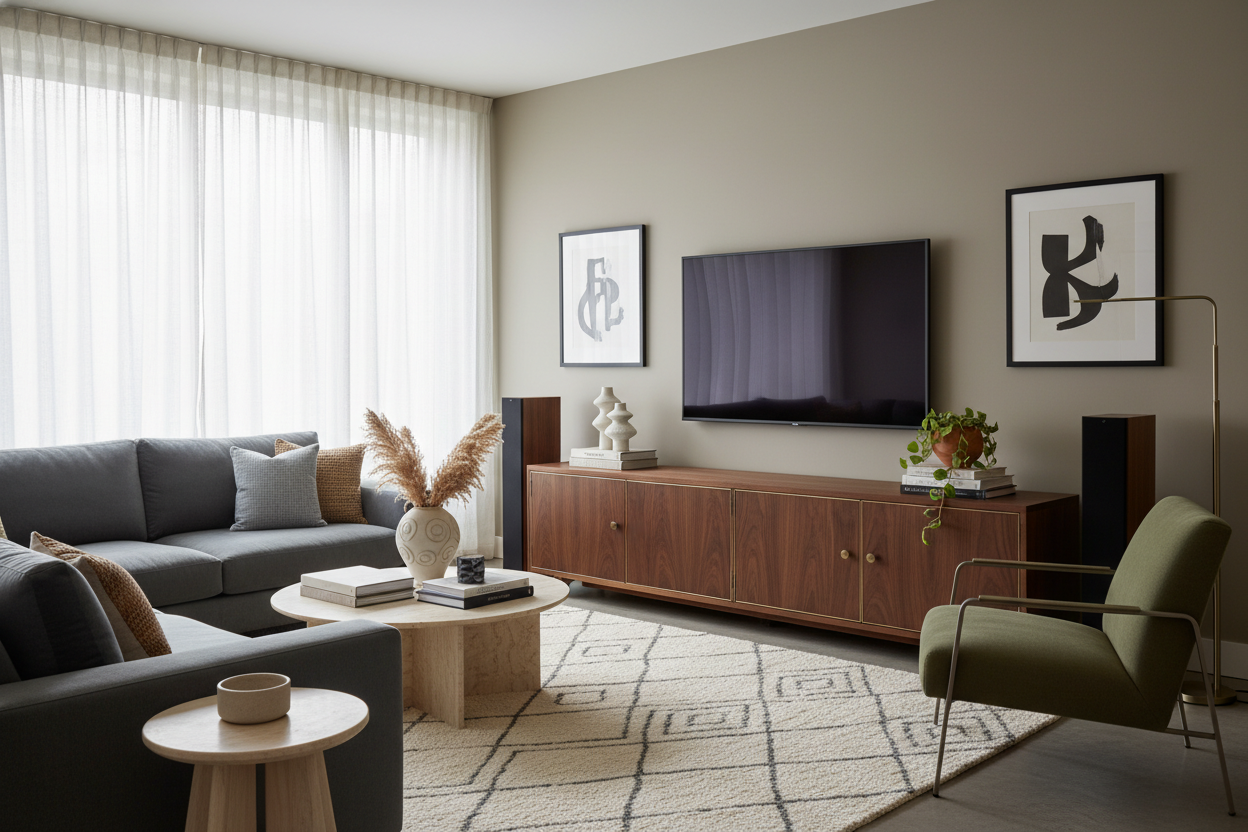
The best part? It actually looks cleaner than the original manufacturer legs. It sits higher, giving me room for a soundbar without blocking the bottom of the screen. Once you have the tech stabilized, you can finally browse our tv stands to find a piece of furniture that actually matches your decor, rather than just using whatever old dresser you had lying around.
FAQ
Will a universal stand fit any TV?
Almost any modern flat screen. Just check the VESA pattern on the back of your TV (measured in millimeters, like 400x400) and make sure the stand box lists that size as compatible.
Are these stands better than wall mounting?
If you are a renter, yes. No holes in the drywall means no lost security deposit. Plus, a pedestal stand lets you swivel the TV toward the kitchen or the couch, which most basic wall mounts won't do.
Can I set this up by myself?
You can assemble the stand alone, but do not try to lift a large TV onto the mount by yourself. You will either drop the screen or blow out your back. Ask a neighbor for five minutes of help.


Dejar un comentario
Este sitio está protegido por hCaptcha y se aplican la Política de privacidad de hCaptcha y los Términos del servicio.