










The boundary between professional obligation and personal sanctuary has never been more blurred. As an interior designer, the most frequent request I receive isn't for open-concept kitchens anymore—it is for dedicated workspaces that function like a CEO's suite but feel like a cozy den. The challenge lies in integration; you want productivity without turning your bedroom into a cubicle. This article serves as your definitive **work from home how to** guide, focusing on spatial planning, furniture selection, and the nuances of high-end design.
Quick Decision Guide: The Essentials
If you are rushing to furnish your space, prioritize these four elements to ensure longevity and comfort. These are the non-negotiables I check off for every client project:
- Ergonomics First: Prioritize a chair with lumbar support and a synchronized tilt mechanism over aesthetic velvet bucket seats.
- Surface Depth: Ensure your desk is at least 24–30 inches deep to allow proper focal distance for monitors.
- Lighting Layers: Combine ambient overhead light with focused task lighting (aim for 3000K–4000K color temperature).
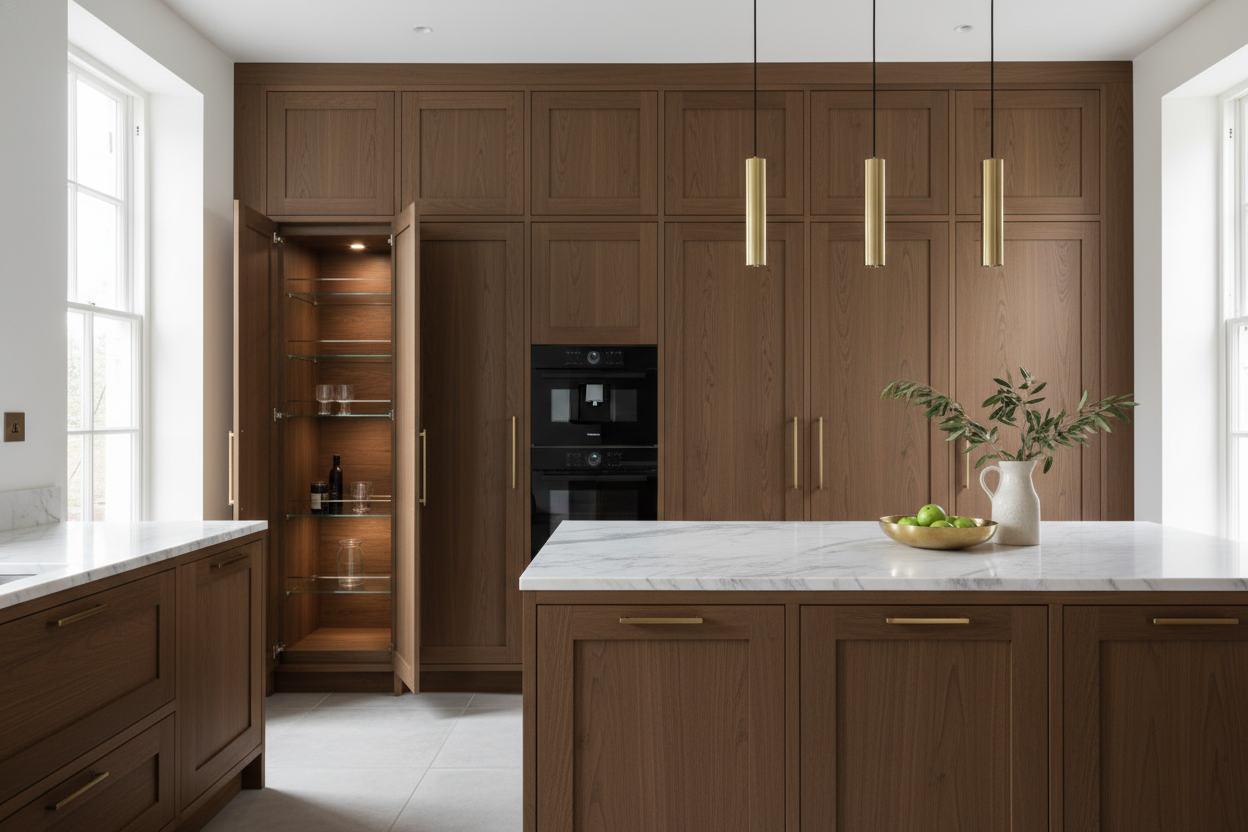
- Material Tactility: Choose matte finishes for desktops to reduce glare and fingerprinting; opt for solid wood or high-grade veneer for durability.
Zoning and Spatial Layout
Before purchasing a single piece of furniture, you must address the layout. Effective ways of working from home rely heavily on visual and physical zoning. In interior design, we refer to this as establishing a "command position."
The Command Position
Ideally, position your desk so you face the entrance of the room, with a solid wall behind you. This reduces subconscious anxiety and creates a professional backdrop for video calls. If you are working in a multi-purpose room, use a rug to visually anchor the "office" zone, separating it from the "living" zone.
Choosing the Right Material: Solid Wood vs. Veneer
The tactile experience of your furniture dictates your comfort level. When selecting a desk, understanding material quality is paramount.
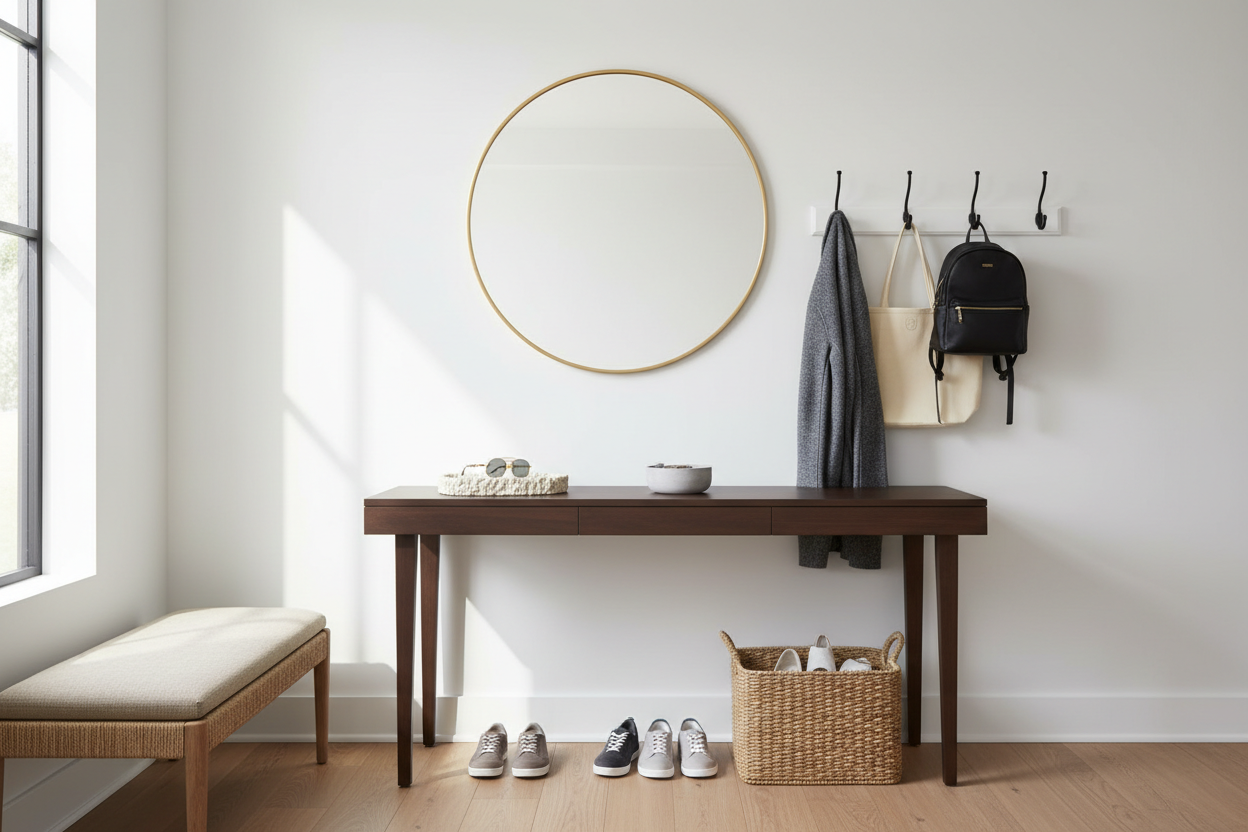
- Solid Wood: Walnut or Oak offers incredible durability and can be refinished over time. However, be aware that solid wood responds to humidity changes.
- High-Pressure Laminate (HPL) or Fenix: For heavy daily use, modern matte laminates are scratch-resistant and soft to the touch. They lack the organic grain of wood but offer superior maintenance ease.
- Glass: I generally advise against glass desktops. They are cold to the touch, create acoustic reflections (echo), and often cause tracking issues for optical mice.
Ergonomics and Visual Balance
A common mistake is buying office furniture that looks too "corporate." To maintain a residential aesthetic, look for ergonomic chairs that hide their mechanisms. Brands are now producing high-performance seating wrapped in premium textiles like wool or breathable linen blends rather than standard black mesh.
Ensure visual balance by pairing a heavy desk with a lighter-profile chair, or vice versa. If your desk has thick, blocky legs, a chair with a slim silhouette prevents the corner from looking cluttered.
Lighting: The Forgotten Variable
Poor lighting causes eye strain and fatigue faster than a bad chair. Avoid relying solely on recessed ceiling lights, which cast shadows on your work surface. Introduce a high-quality task lamp with an adjustable arm. The goal is to create a pool of light that illuminates your documents without causing glare on your screen.
Lessons from My Own Projects
I want to share a specific realization from a recent project in a compact urban loft. I specified a beautiful, high-end standing desk for a client—a stunning piece of walnut. However, I overlooked the "wobble factor" at standing height. We realized too late that the two-leg frame, while sleek, had significant lateral movement when the client typed vigorously.
I had to swap it out for a four-leg executive standing desk. It was a hassle, but it taught me a valuable lesson: stability trumps silhouette. When you are shopping, physically lean on the desk when it is at its maximum height. If there is more than a few millimeters of sway, walk away. Also, check the underside of the desktop; if the mechanism is exposed and greasy, it will eventually ruin your clothes. High-quality desks have a shroud or under-cover to hide the motor and gears.
Conclusion
Mastering the art of the home office requires a shift in mindset. It is not just about fitting a laptop on a table; it is about curating an environment that supports your workflow while respecting your home's aesthetic. Invest in pieces that age well, prioritize your physical health, and remember that the best office is one you actually enjoy entering every morning.
Frequently Asked Questions
How much space do I really need for a functional home office?
At a minimum, you need a footprint of about 60 inches by 60 inches. This accommodates a standard 48-inch desk and allows 30 inches of clearance behind the chair for you to slide back and rotate comfortably without hitting a wall.
What is the best color temperature for office lighting?
Aim for 3500K to 4000K (Kelvin). This range mimics natural daylight, which promotes alertness and focus. Anything lower (2700K) is too yellow and relaxing, while anything higher (5000K+) can feel sterile and harsh.
How do I hide cables in a desk with open legs?
Look for desks with integrated "modesty panels" or cable trays underneath. If your desk lacks these, use a cable spine (a vertebrae-like tube) that runs from the desktop to the floor along one leg. It keeps cords contained and moves with the desk if it is height-adjustable.

Dejar un comentario
Este sitio está protegido por hCaptcha y se aplican la Política de privacidad de hCaptcha y los Términos del servicio.