










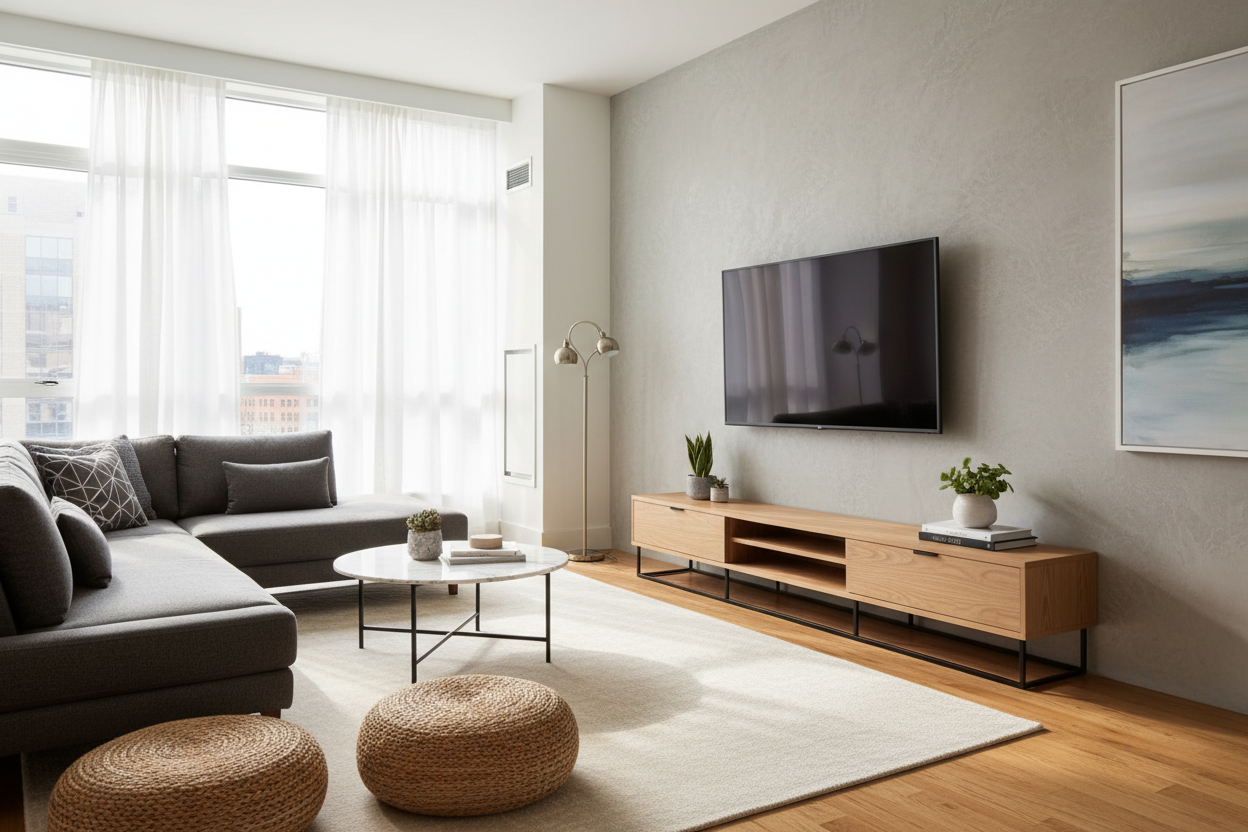
I recently helped a friend move into a 600-square-foot studio in the city. We spent three hours trying to figure out why her living room felt like a cramped hallway. The culprit? A massive, 22-inch deep oak beast holding a TV that was barely thicker than a piece of cardboard. It looked ridiculous, like a sleek smartphone resting on a heavy-duty workbench.
We are living in an era where screens are basically paper-thin, yet our furniture is stuck in the era of the VCR. If you are still using a chunky monolith to hold your tech, you are literally throwing away square footage. Switching to a slim flat-screen tv cabinet is the easiest way to reclaim your floor space without actually getting rid of anything.
- Modern TVs only need about 2-3 inches of depth; your furniture should reflect that.
- Aim for a depth of 12 to 16 inches to keep the room feeling open.
- Avoid the 'dusty runway'—the empty space in front of the screen that collects clutter.
- Width is more important than depth for visual balance and storage.
The 'Dusty Runway' Effect Is Ruining Your Living Room
Have you ever looked at your TV setup from the side? If you have a modern OLED or LED screen sitting on an old-school media console, you probably have about 18 inches of wasted wood sitting right in front of the screen. I call this the 'dusty runway.' It is a magnet for things that don't belong there: half-empty coffee mugs, junk mail, and that layer of gray fuzz that seems to appear overnight.
Visually, it makes your living room feel heavy and dated. The massive expanse of wood or MDF creates a physical barrier that cuts into your walking path. If you are trying to modernize your home, replacing an old, chunky oak monolith with a sleek black cabinet with glass doors instantly fixes the room's profile. It stops the furniture from 'eating' the room and puts the focus back on your decor rather than the bulk of the stand.
I have seen beautiful rooms ruined by a console that sticks out four inches past the door frame. It is an easy mistake to make because we are conditioned to think 'TV stand' means 'big box.' But unless you are hiding a 1990s tube TV in there, you simply do not need that much depth. It is time to stop letting your furniture dictate how much floor space you get to enjoy.
What Actually Makes Good Flat Screen TV Furniture Today?
Good flat screen tv furniture should be a support system, not the main event. In the past, we needed deep cabinets to house massive receivers, VCRs, and stacks of DVD players. Today? Most of us have a slim soundbar, a tiny Apple TV or Roku box, and maybe a gaming console. That is it. Your furniture should be sized for the tech you actually own, not the tech your parents had.
When I am hunting for pieces, I look for cable management that isn't an afterthought. You want pre-drilled holes that actually align with where your devices sit. I also look for 'floating' aesthetics—legs that are at least 6 inches high. Being able to see the floor underneath the cabinet trick your brain into thinking the room is larger than it is. It is a classic interior design trick that works every single time.
Materials matter, too. If you go slim, you need to ensure the piece is sturdy. Look for kiln-dried hardwoods or high-quality metal frames. Cheap, thin particle board will sag under the weight of a 65-inch screen over time, especially if the cabinet is long and narrow. A well-built piece will have a center support leg to prevent that dreaded 'smile' shape in the middle of your console.
Slimming Down to the 12-to-16 Inch Sweet Spot
If you want to make a small living room feel significantly wider, the 12-to-16 inch depth range is your sweet spot. Most standard consoles are 18 to 22 inches deep. By shaving off just 6 or 8 inches, you open up a massive amount of 'breathing room' in front of your sofa. It is the difference between having to shimmy past the coffee table and being able to walk comfortably.
For example, a modern TV cabinet table with storage that hits that 14-inch depth mark provides all the utility you need for your PlayStation and remotes without hogging the floor. I once swapped a 20-inch deep dresser for a 13-inch slim console in my own den, and it felt like I’d added three feet to the room. It’s a game of inches, and in a small apartment, those inches are gold.
But Wait, What If I Just Mount It?
I hear this all the time: 'Why do I need a cabinet at all if I’m mounting the TV to the wall?' Here is my hot take: a TV floating alone on a wall looks unfinished and a little bit like a waiting room in a dentist's office. You need a piece of furniture underneath to ground the setup visually. It anchors the screen and provides a home for the inevitable wires and boxes that wall-mounting doesn't magically disappear.
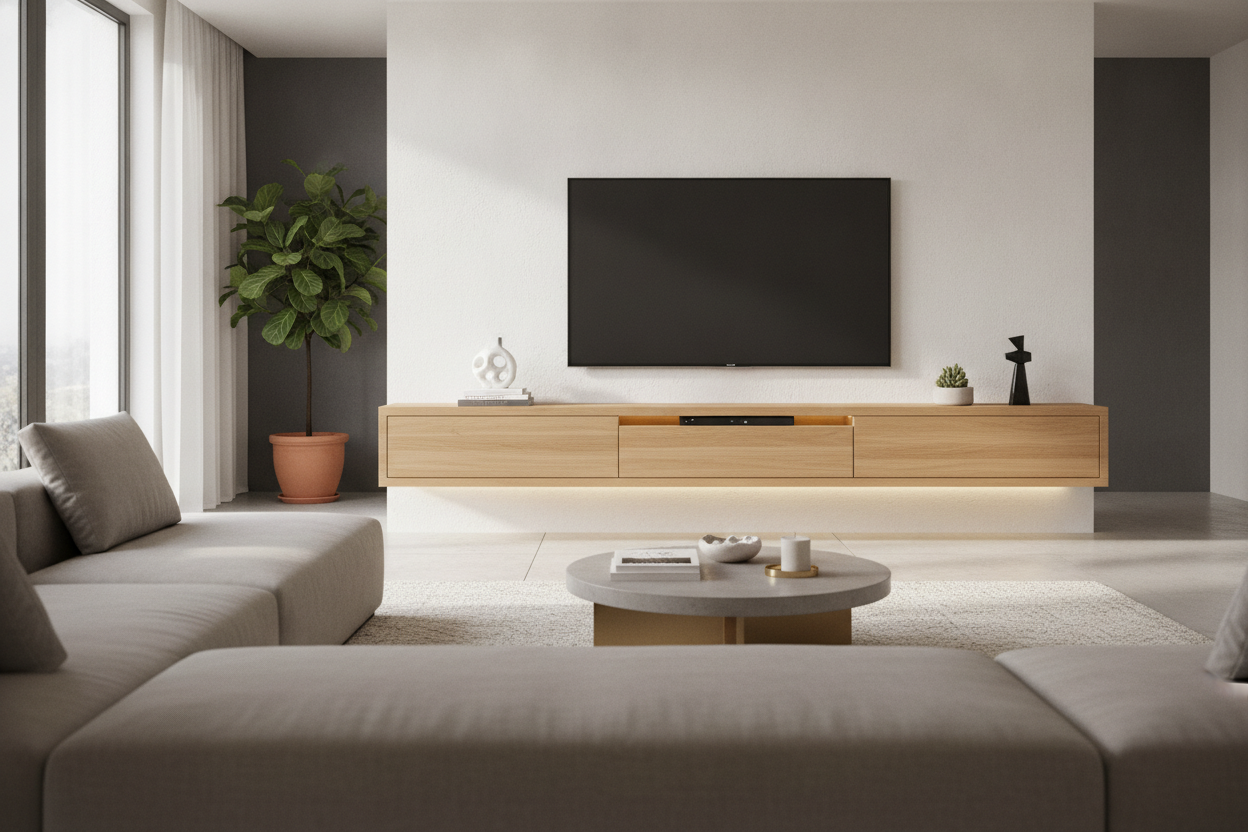
If you choose to mount your screen to save every possible bit of depth, you should add a flat screen TV wall cabinet underneath. This creates a cohesive look. It gives you a place to put a plant, a candle, or a soundbar so the TV doesn't look like a lonely black rectangle. Plus, it hides the outlet and the 'cable spaghetti' that usually hangs down from a mounted screen. It’s about balance—the TV provides the tech, the cabinet provides the style.
Going Wide Instead of Deep for Maximum Storage
The secret to a high-end, custom look is to go wide instead of deep. Instead of a small, deep box, look for a console that stretches across a large portion of your wall. This horizontal line draws the eye across the room, making the wall feel expansive. It is a much more sophisticated look than a tiny stand centered under a massive TV.
Choosing a large TV cabinet with spacious storage that extends horizontally allows you to keep the profile slim—say, 15 inches—while still getting a ton of cabinet space for board games, blankets, or tech gear. It acts more like a built-in sideboard than a traditional TV stand. I always recommend going at least 10-12 inches wider than your TV on both sides. This prevents the 'top-heavy' look and gives you room to style the ends with some books or a lamp.
Personal Experience: The PS5 Mistake
I learned the hard way that you can actually go too slim. A few years ago, I bought a gorgeous, ultra-shallow 10-inch console. It looked like a dream until I tried to put my PlayStation 5 inside. The console stuck out like a sore thumb, and I couldn't close the cabinet doors. I ended up having to mount the PS5 vertically behind the TV, which was a total pain. Now, I always measure my deepest piece of gear (usually a gaming console or an old receiver) and make sure I have at least an inch of clearance for the cables plugging into the back. Don't be like me; measure your gear before you buy.
FAQ
How deep should a TV cabinet be for a PS5?
You need at least 15-16 inches of depth if you want to house a PS5 horizontally with the cables plugged in. If you go slimmer, you'll likely need to mount the console elsewhere or leave the cabinet doors open.
Can I use a regular sideboard as a TV stand?
Absolutely, as long as it is the right height. Most sideboards are taller than TV stands, so make sure your screen won't be at an awkward viewing angle. You might also need to drill your own holes in the back for cable management.
Will a slim cabinet be stable enough for a 75-inch TV?
Yes, provided it is made of solid materials and has a high weight capacity. Always check the manufacturer's specs. If the cabinet is very shallow, I highly recommend using an anti-tip kit to secure it to the wall for safety.

Dejar un comentario
Este sitio está protegido por hCaptcha y se aplican la Política de privacidad de hCaptcha y los Términos del servicio.