










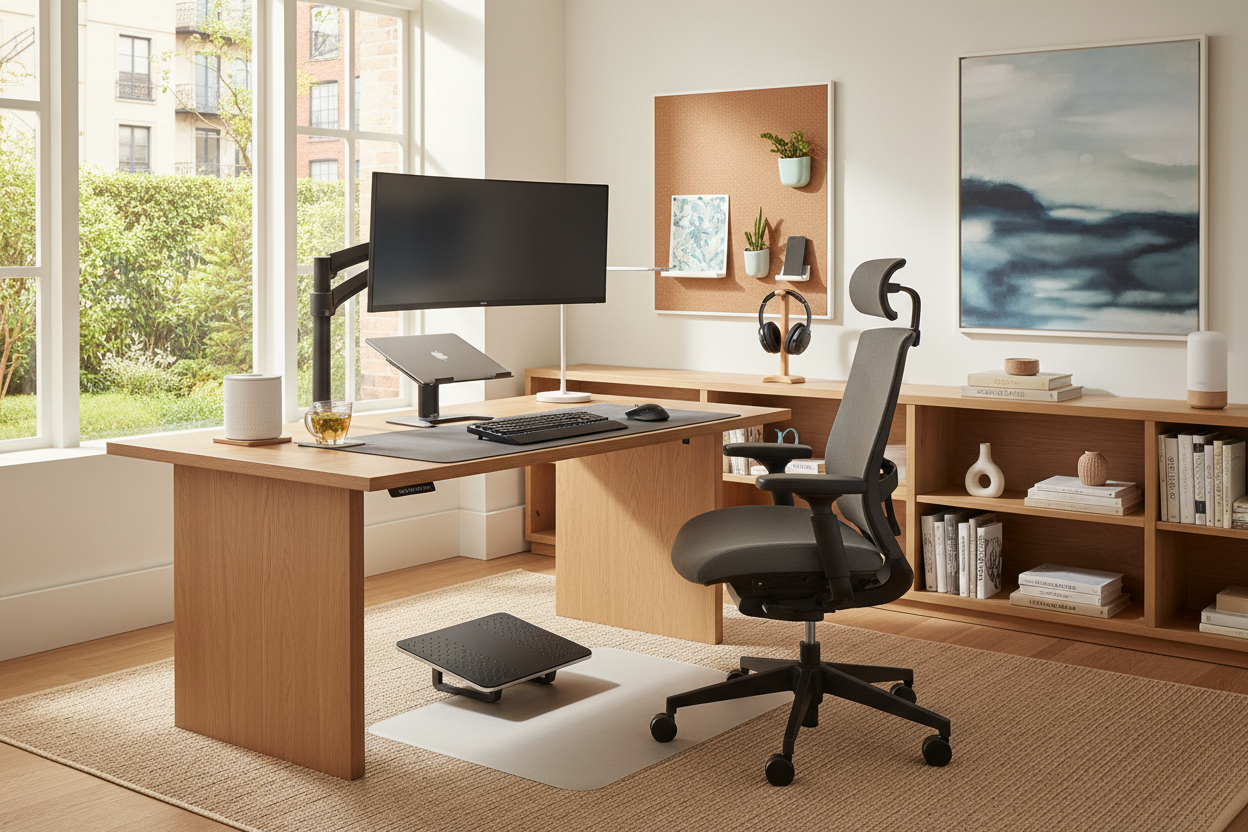
It usually starts at the dining room table. You pull up a chair thinking it will just be for a few days, but months later, your back aches, your paperwork is taking over the centerpiece, and your living space feels chaotic. Creating a functional workspace requires more than just a flat surface and a Wi-Fi connection. Finding the best things for working from home means striking a delicate balance between ergonomic support and residential style.
In this guide, I will walk you through how to select pieces that support your posture during eight-hour shifts without making your guest bedroom or living room look like a corporate cubicle.
Quick Decision Guide
- Prioritize the chair: Proper seat depth and lumbar support dictate your daily comfort more than any other piece. Never buy a chair based on looks alone.
- Watch the visual weight: In shared spaces, choose desks with open bases and slender legs to maintain a sense of negative space.
- Layer your lighting: Relying solely on overhead lights casts harsh shadows. Combine ambient lighting with a dedicated task lamp.
- Hide the clutter: Closed storage is non-negotiable. Cord management and filing drawers keep the line between 'work' and 'home' distinct.
Comfort & Ergonomics: The Foundation of Focus
The Desk and Chair Relationship
When sourcing the best work from home essentials, the relationship between your desk height and chair seat depth is paramount. Standard desks sit at about 29 to 30 inches high, which is actually too tall for many people to type comfortably without shrugging their shoulders. If you are investing in a new setup, an adjustable-height desk is one of the most critical wfh necessities you can buy. Pair it with a highly adjustable chair. Look for features like adjustable armrests, a tilt mechanism, and a seat pan that slides forward and backward to accommodate your specific leg length.
Space Planning & Layout: Fitting It All In
Integrating Work Zones in Shared Spaces
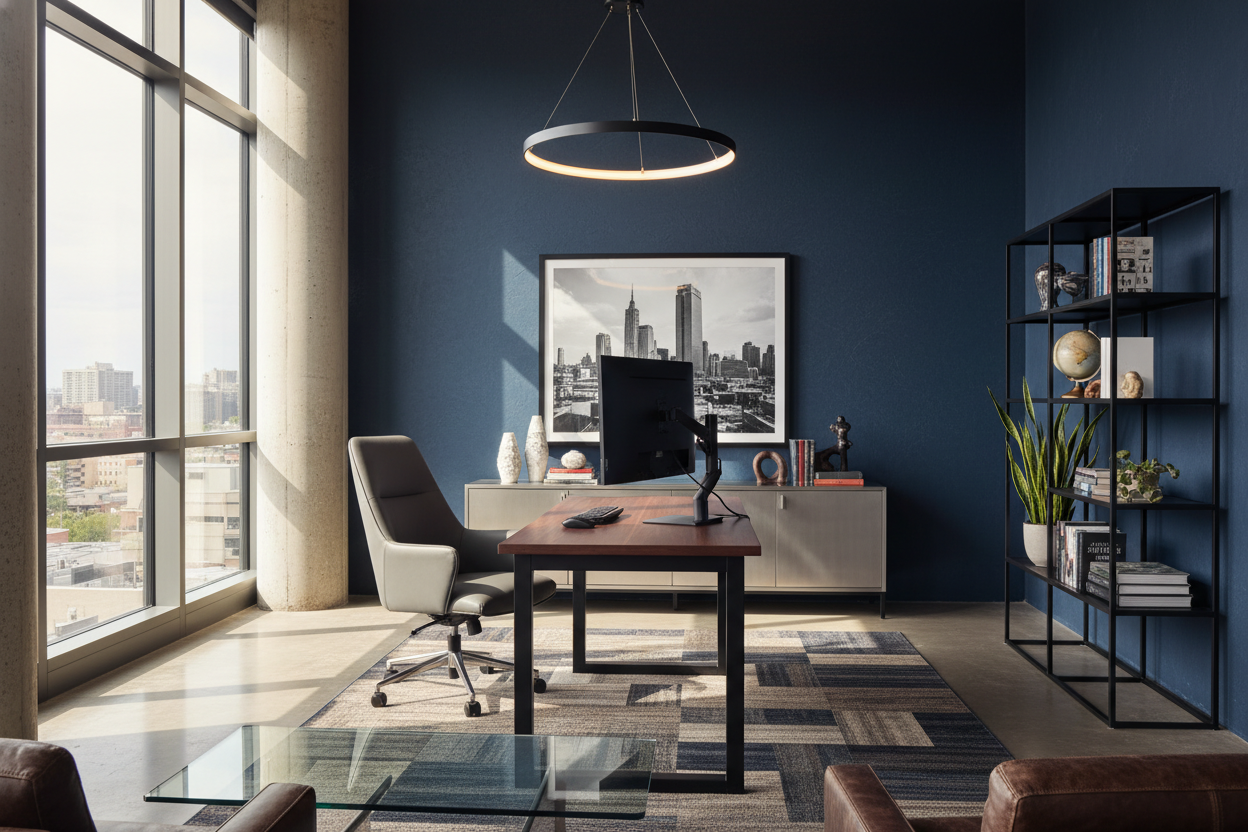
Not everyone has a dedicated room to use as an office. When selecting working at home essentials for a living room or bedroom, proportion is everything. A massive, heavy executive desk will visually swallow a small apartment living area. Instead, look for a writing desk with a slim profile and finished back so it can float in a room rather than being shoved against a wall. To create a psychological boundary, use an area rug to anchor the workspace, separating your professional zone from your relaxation zone.
Value & Longevity: Smart Investments
Where to Splurge and Where to Save
It is easy to get overwhelmed by the sheer volume of wfh products on the market. My rule of thumb is to splurge on anything that touches your body or supports your technology. Your chair and your desk are essential work from home items that require a healthy budget for durability and health reasons. You can absolutely save money on work from home stuff like filing cabinets, decorative shelving, and desk accessories. For the best work from home supplies, focus on high-quality materials like solid wood or commercial-grade laminates for the desktop to prevent scratching and warping over time.
Designer's Honest Take
I learned the hard way that aesthetics cannot override ergonomics. A few years ago, I bought a stunning vintage mid-century modern velvet chair for my own home office. It had the perfect silhouette and the color tied the whole room together. The reality? Velvet does not breathe, and the chair had absolutely zero lower back support. By 2:00 PM every day, I was shifting constantly and dealing with a stiff neck. I eventually had to admit defeat, move the beautiful chair to a reading corner, and buy a highly functional, less 'sexy' ergonomic mesh chair. The lesson here is to never compromise your physical health for a photo-ready room.
Frequently Asked Questions
What size desk do I need for a dual-monitor setup?
For two standard monitors, you need a desk that is at least 48 inches wide, but 60 inches is ideal. Depth is equally important; look for a minimum of 24 inches (preferably 30 inches) so your screens are not sitting too close to your eyes.
How do I make a WFH setup look good in a living room?
Choose furniture that matches the architectural style of your home. If your living room is transitional, a warm wood desk with brass hardware will blend in beautifully. Use woven baskets for trash and recycling, and invest in a monitor stand with built-in drawers to hide your keyboard and mouse at the end of the day.
Are standing desks actually worth the investment?
Yes, but only if you use them correctly. The benefit comes from the transition between sitting and standing, not from standing all day. Look for dual-motor electric frames, as they are quieter and much less likely to burn out or wobble at their maximum height.


Leave a comment
This site is protected by hCaptcha and the hCaptcha Privacy Policy and Terms of Service apply.