










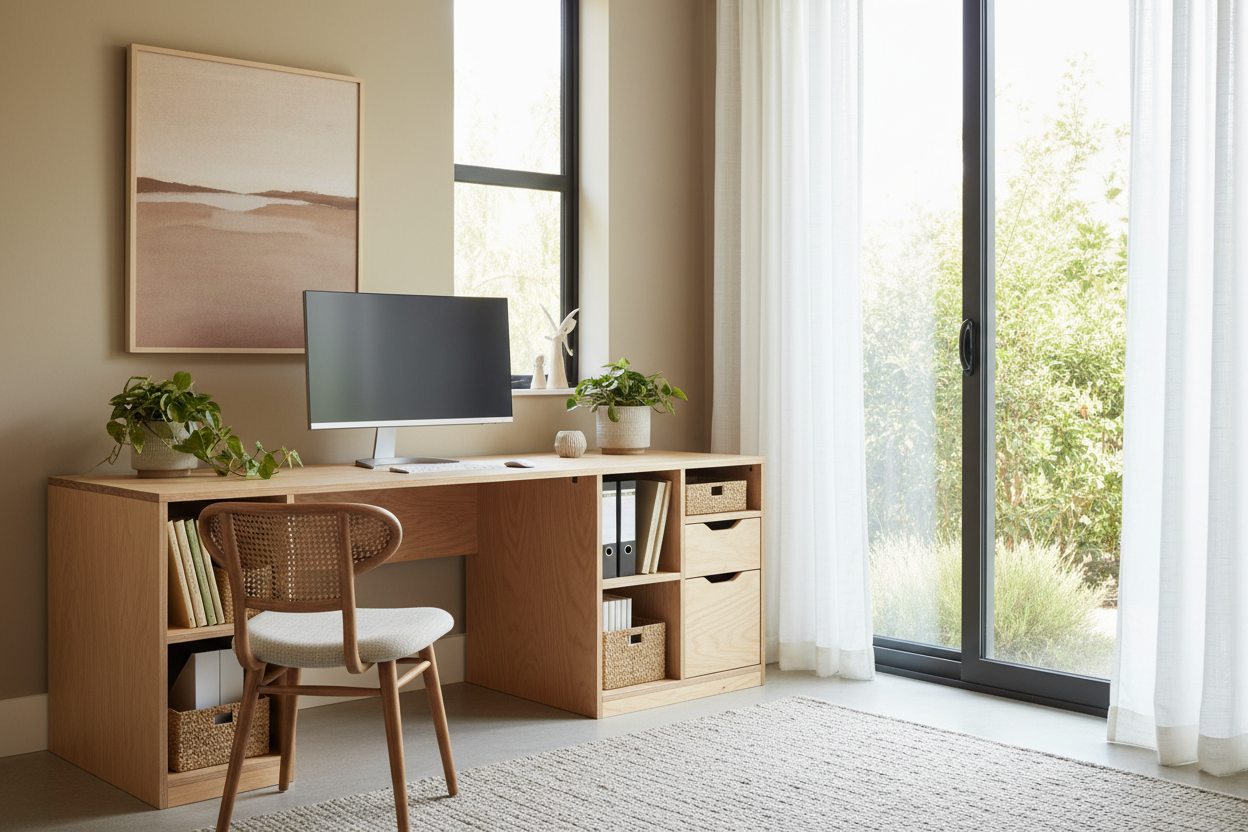
We have all been there: you start working from home, and suddenly your beautifully curated guest room or living room corner looks like a corporate IT closet. Cords are everywhere, the monitors dominate the room's visual weight, and the desk itself feels completely out of place. If you are struggling to merge your professional needs with your personal aesthetic, you need computer office ideas that actually prioritize both form and human comfort. Today, we are walking through how to create a workspace that feels intentional, cohesive, and genuinely comfortable for eight hours a day.
Quick Decision Guide
- Prioritize depth over width: A desk shallower than 24 inches will leave your monitors too close to your eyes, causing strain regardless of how good the room looks.
- Consider built-in solutions: A wall-to-wall floating surface provides massive workspace while reducing the visual clutter of traditional desk legs.
- Match your wood tones: If you opt for a custom build, ensure the stain complements your existing flooring or baseboards to anchor the piece in the room.
- Hide the hardware: Cable management is the single biggest factor in making a tech-heavy space look designed rather than assembled.
Space Planning: Carving Out Your Zone
Whether you have a dedicated room or are just looking for smart computer area ideas for a multi-use space, the layout dictates everything. In typical North American suburban homes, we often have the luxury of space, but we waste it by pushing a tiny desk against a massive blank wall.
Rethinking the Placement
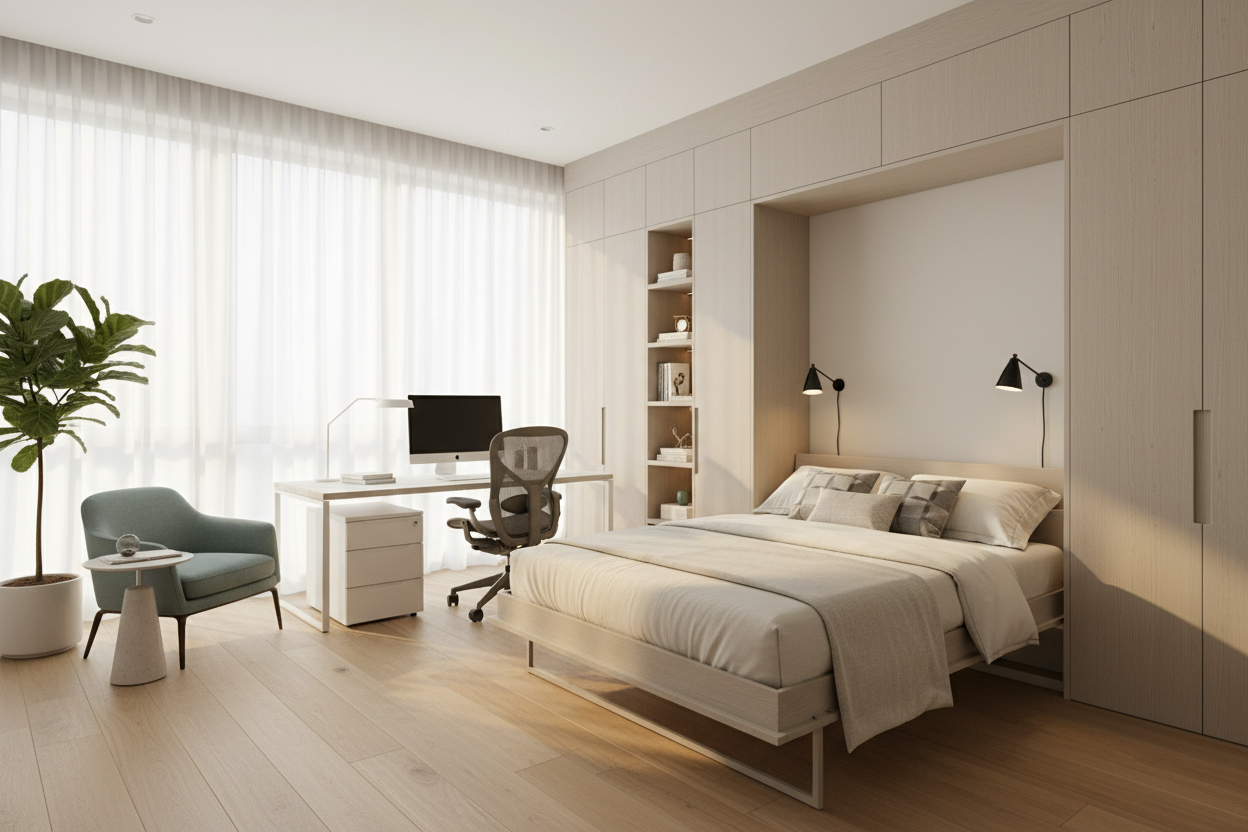
Instead of defaulting to the wall, try floating your desk facing the door. This creates a commanding layout among various workstation desk ideas and hides the messy cord situation from anyone entering the room. If you are in a smaller apartment and need a makeshift computer desk, consider a diy hidden computer desk inside an existing closet (the cloffice trend is incredibly practical) or tucked behind a stylish slatted room divider.
The Case for Going Custom (and DIY)
When clients ask me for home office computer desk ideas, I frequently steer them away from big-box stores. Mass-produced desks often lack the specific dimensions needed for dual monitors, heavy towers, or custom storage needs.
Crafting the Perfect Surface
If you want something robust, exploring diy computer desk designs is often the best route. You do not need a full woodshop to pull this off. Learning how to build a computer desk out of wood can be as straightforward as sourcing a solid butcher block countertop and securing it to heavy-duty filing cabinets. For those on a tight budget, a cheap diy computer desk using sanded plywood or a simple diy pine desk can look incredibly high-end if you take the time to condition and stain the wood properly.
Tailoring Your Dimensions
If you have a long, narrow room, a diy long computer desk allows two people to work side-by-side without overlapping chairs. You can easily find simple computer desk plans online that outline exact cut lists for these larger footprints. The beauty of a homemade pc desk is that you control the ergonomics. You can set the final height exactly to your seated elbow level, which is a luxury standard furniture rarely provides.
Managing Visual Weight and Storage
Monitors, towers, and printers add heavy, dark blocks of visual weight to a room. To balance this, your desk and surrounding shelving need to do some heavy lifting to soften the aesthetic.
Integrated Organization
A diy computer desk with storage is essential for keeping the surface clear of distracting paperwork. Think about adding a diy computer shelf directly above the monitors to draw the eye upward and display softer textures like trailing plants or framed art. If you own your home, a diy built in computer desk flanked by custom bookshelves creates a library-like feel, turning a utilitarian tech zone into a sophisticated study. When browsing computer table design ideas, always look for wood computer desk ideas that offer wire routing channels, or plan to drill them yourself using a simple grommet hole saw.
Designer's Honest Take
I love the look of a sleek, minimalist wood desk. A few years ago, I decided to build my own diy computer workstation using a stunning slab of live-edge walnut. It was gorgeous. But here is the unpolished truth: I completely misjudged the depth. I made it 20 inches deep because I wanted to preserve floor space in my small office. After a month, my neck was in agony from being too close to my 27-inch monitor, and my forearms had no place to rest. I also used a soft oil finish that looked beautiful on day one but scratched every time I shifted my keyboard. I ended up having to pull the desk away from the wall, mount the monitor on a heavy-duty arm attached to a wall stud, and refinish the top with a hard-wearing matte polyurethane. The lesson? Never sacrifice ergonomic depth for floor space, and always seal your desk with a finish meant for daily friction.
Frequently Asked Questions
What is the best depth for a home computer desk?
For a standard setup with a monitor and keyboard, aim for a minimum depth of 24 to 30 inches. This gives you enough room for a comfortable viewing distance and allows your arms to rest naturally on the surface without hanging off the edge.
Is it cheaper to build a simple computer desk or buy one?
It depends on the materials. If you build a simple computer desk using premium hardwoods, it will cost more than a flat-pack MDF desk from a big-box store. However, if you compare a solid wood DIY build to a solid wood retail piece, building it yourself will save you hundreds, if not thousands, of dollars.
How do I hide the cords on an open-concept desk?
Mount a cable management tray directly under the desktop surface. Route all your cables into a single braided sleeve that runs down the back of one desk leg. If you are building a custom piece, consider installing a false back panel to completely conceal power strips and bulky laptop adapters.


Leave a comment
This site is protected by hCaptcha and the hCaptcha Privacy Policy and Terms of Service apply.