








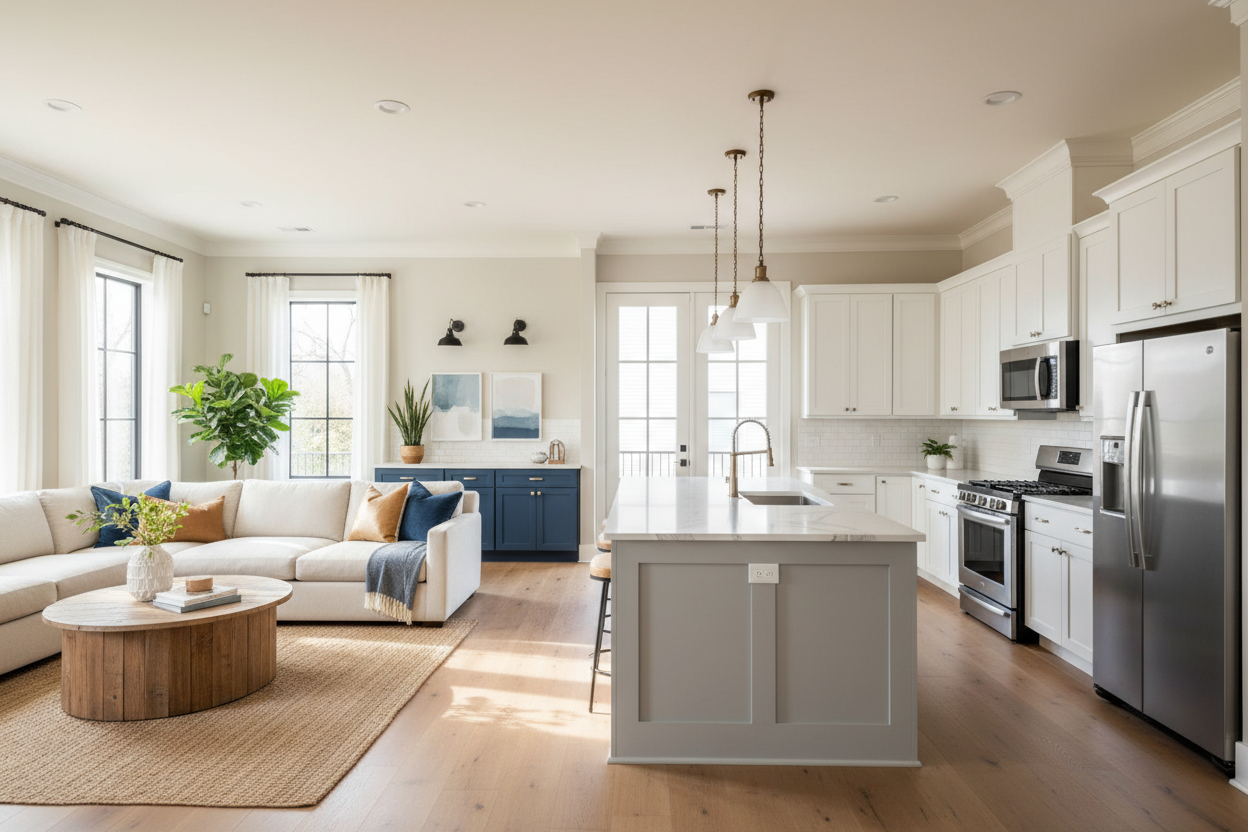
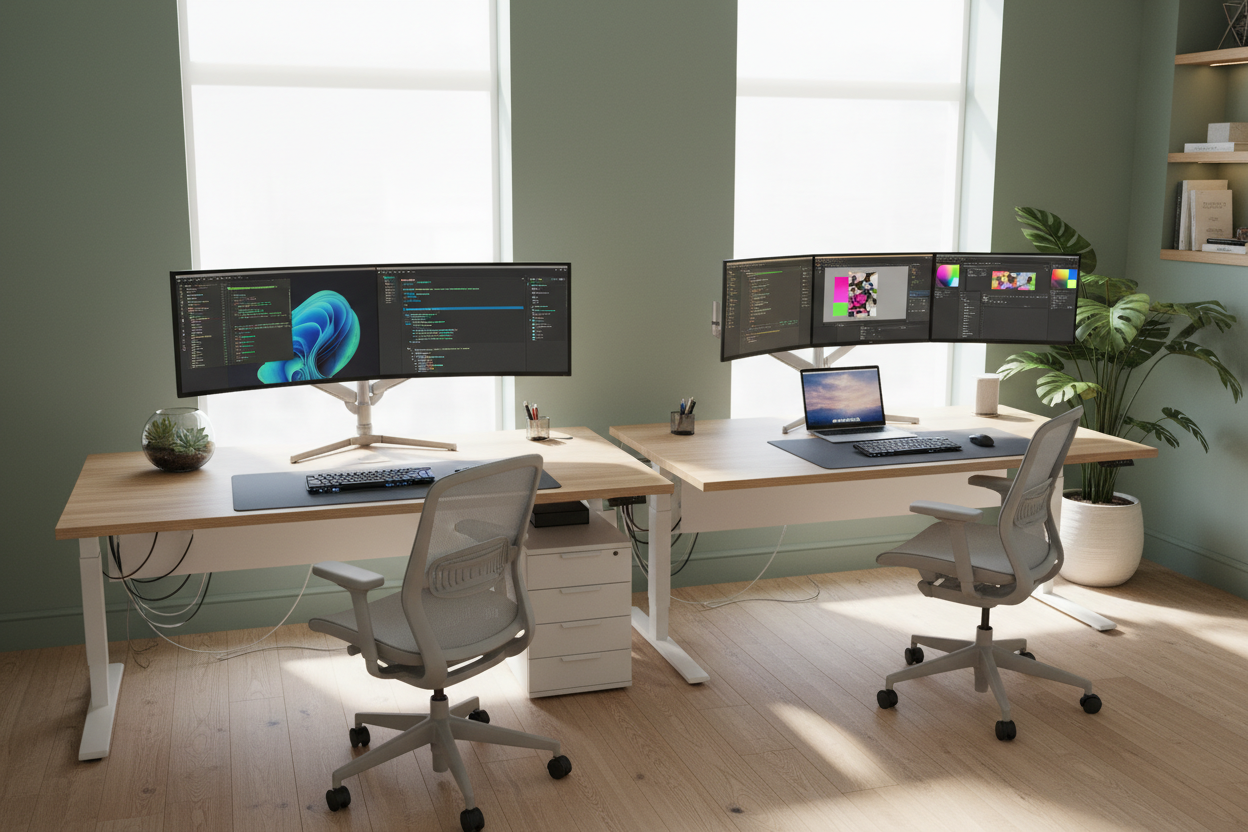
We have all faced the modern design dilemma: the necessity of high-performance technology clashing with the desire for a serene, curated interior. When your workflow demands a multiple computer desk setup, the risk of your home office looking like a server room is high. However, with intentional furniture selection and strategic layout planning, you can accommodate heavy hardware without sacrificing the room's visual integrity.
Quick Decision Guide: Key Features for Multi-Device Desks
- Surface Depth: Aim for at least 30 inches of depth to maintain proper viewing distance for a dual pc desk setup.
- Material Core: Avoid hollow-core desks; solid wood or high-grade plywood is essential to support the weight of clamped monitor arms.
- Cable Management: Look for integrated modesty panels or under-mount trays to handle the complex wiring of a multi computer desk setup.
- Leg Configuration: C-leg or T-leg designs offer better swivel clearance for your chair when navigating between screens.
Mastering the Layout: Function Meets Flow
The first step in curating a two computer desk setup is assessing the spatial footprint. The furniture silhouette you choose dictates the flow of the room.
The L-Shape Advantage
For a full 2 pc desk setup involving towers and multiple monitors, an L-shaped executive desk is often the superior choice. It allows you to segregate tasks: one wing for your primary workstation, and the return for your secondary device or administrative tasks. This separation prevents the visual chaos often associated with a dual computer desk setup.
The Linear "Command Center"
If you are working with a two laptop desk setup or a mix of laptop and desktop, a long, linear solid wood slab (72 inches or wider) creates a sophisticated, architectural look. This layout works exceptionally well if you position the desk floating in the center of the room rather than pushing it against a wall, allowing the technology to feel like a deliberate part of the design rather than an afterthought.
Ergonomics and Materiality
When curating a dual laptop setup, the tactile experience is just as important as the visual one. Cheap veneers often peel under the heat generated by multiple running devices.
I always advise clients to invest in hardwoods like walnut or white oak. Not only do they age beautifully, but they also provide the structural rigidity required for a dual laptop desk setup where you might be using heavy articulated arms to float your screens. A multiple laptop desk setup often requires docking stations; choose a desk surface with a matte finish to prevent distracting reflections from the various LED indicators and screens.
How to Organize Multiple Laptops on Desk
The biggest enemy of a multiple laptop setup is horizontal clutter. To maintain a luxury aesthetic, you must think vertically.
- Vertical Docking: Use vertical stands to store laptops in "clamshell" mode (closed) behind your main monitors. This recovers valuable surface area.
- Hidden Tech Drawers: Look for desks with shallow pencil drawers that can be modified to house KVM switches or docking stations, keeping the 2 laptop desk setup wiring invisible.
- Unified Peripherals: Instead of two keyboards and two mice, invest in multi-device peripherals that switch between computers with a button press, instantly cleaning up your 2 laptop setup.
My Personal Take on Multiple Computer Desk Setups
In my years designing home offices, the most common regret I see involves the "monitor bounce." I once designed a custom dual pc desk setup for a financial trader using a sleek, but thin, metal-framed desk with a glass top. It looked incredible in the photos.
However, within a week, the client called me. Every time he typed vigorously, the monitor arms (clamped to that thin frame) would wobble slightly. It was nauseating for him. We had to swap it out for a 1.5-inch thick solid oak slab on heavy steel legs. The lesson? Mass matters. If you are suspending heavy screens for a dual laptop setup or desktop configuration, the desk needs significant physical weight to absorb the kinetic energy of your typing. Don't sacrifice stability for a slender silhouette.
Conclusion
Achieving a refined multiple computer desk setup is less about the technology and more about the furniture that supports it. By prioritizing deep surfaces, solid materials, and concealed organization, you turn a clutter of cables into a command center that commands respect.
Frequently Asked Questions
What is the ideal desk depth for a dual monitor setup?
A minimum depth of 30 inches (approx. 76 cm) is recommended. This allows you to position monitors at an arm's length for ergonomic safety while leaving room for a keyboard and a two laptop setup without feeling cramped.
How do I hide cables in a desk with open legs?
For open-leg or Parson-style desks, use a "vertebrae" cable spine that runs from the underside of the desk to the floor. Additionally, mount a grand-scale cable raceway tray to the underside of the desktop to house power bricks for your multi computer desk setup.
Can I use a standing desk for multiple computers?
Yes, but ensure the motor capacity exceeds the total weight of your gear. For a 2 computer desk setup involving dual towers and screens, look for a dual-motor frame with a weight capacity of at least 220 lbs (100 kg) to ensure smooth operation.

Leave a comment
This site is protected by hCaptcha and the hCaptcha Privacy Policy and Terms of Service apply.