










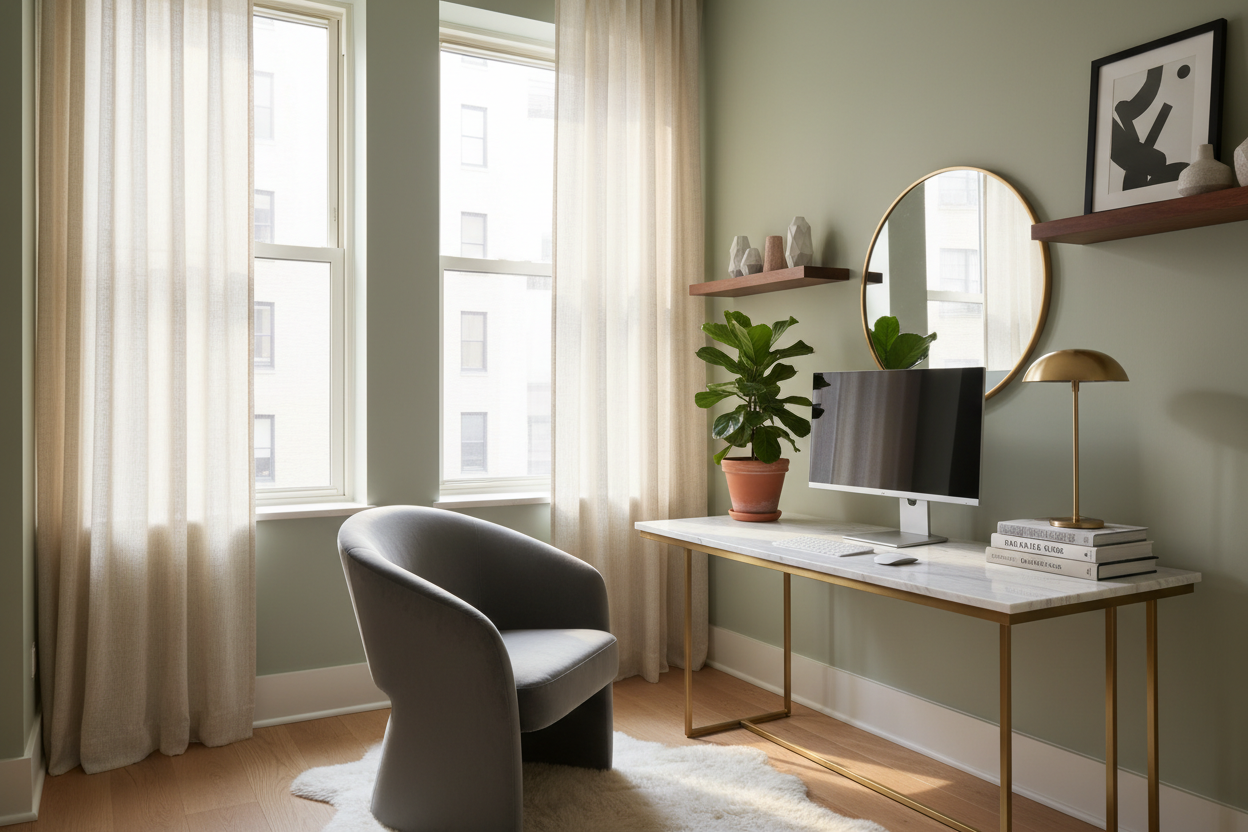
The greatest challenge in modern urban living isn't just finding square footage; it is defining boundaries. When your living room doubles as your conference room, visual clutter quickly becomes mental clutter. Many homeowners believe that a compact footprint requires sacrificing ergonomics or aesthetics, but that is a design misconception. A truly successful small space work from home setup relies on intentional zoning, vertical integration, and furniture that whispers rather than shouts.
Key Features to Look For
- Visual Weight: Opt for legs over solid bases, or materials like glass and acrylic to reduce the visual footprint.
- Multi-Functionality: Select desks that can double as consoles or vanities when the workday ends.
- Vertical Utilization: Look for hutches or wall-mounted shelving systems to keep the horizontal surface clear.
- Material Durability: Prioritize hardwood veneers or high-pressure laminates over cheap particle board, which chips easily under daily use.
- Ergonomic Scale: Ensure the chair width allows it to tuck fully under the desk to reclaim floor space.
Mastering the Layout and Flow
In interior design, flow is everything. When planning a work from home desk setup small space, avoid placing your desk with your back directly to the room's entry point, as this creates a subconscious 'fight or flight' response that hinders focus. Instead, try the "command position"—facing the door—or place the desk perpendicular to a window.
If you must face a wall, soften the view. A corkboard is functional, but a framed piece of art or a textured wallpaper panel defines the zone as a professional vignette rather than a utility corner. This creates a psychological separation between "work mode" and "home mode."
Choosing the Right Material and Silhouette
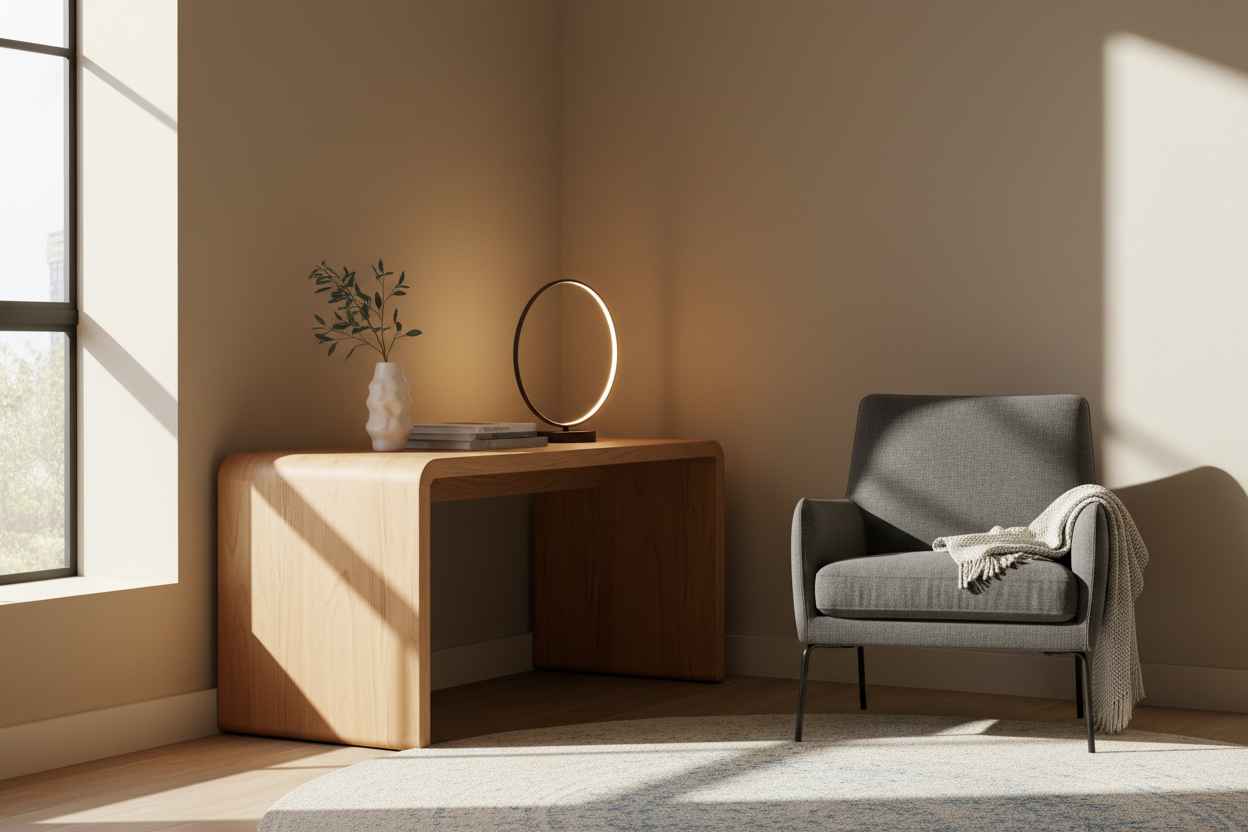
The silhouette of your furniture dictates how spacious the room feels. For a work from home setup small space, heavy, blocky furniture is the enemy. I often advise clients to look for "cantilevered" designs or mid-century modern styles with tapered legs. These styles allow light to pass through and under the furniture, maintaining an airy atmosphere.
Solid Wood vs. Veneer vs. Laminate
While solid wood is the gold standard for heirlooms, high-quality wood veneers are often superior for work surfaces in climate-controlled apartments as they are less prone to warping. However, be wary of low-grade thermal foil finishes; they peel at the edges where your wrists rest. A matte finish is preferable to high-gloss, as it hides dust and reduces glare during video calls.
Lighting: The Invisible Design Element
Lighting is often an afterthought, yet it defines the mood. Relying solely on overhead recessed lighting creates unflattering shadows on Zoom calls and causes eye strain. Layer your lighting. Start with ambient light, add a dedicated task lamp with a warm temperature (2700K-3000K), and consider an LED strip behind your monitor (bias lighting) to reduce contrast strain. In a small footprint, a wall-mounted sconce can replace a desk lamp, freeing up precious surface area.
My Personal Take on Small Space Work From Home Setup
I learned a hard lesson early in my career regarding "visual lightness" versus "practical reality." I once designed a small space work from home setup for a client in a studio apartment using a sleek, clear acrylic desk. On the mood board, it was perfect—it practically disappeared into the room.
However, three months later, the client called me back. The issue wasn't the look; it was the maintenance and the acoustics. Acrylic scratches if you look at it wrong, and every fingerprint was visible. Worse, without the dampening effect of wood or an upholstered modesty panel, the sound of her mechanical keyboard clattered against the hard plastic and echoed off the walls. It drove her partner crazy.
Since then, I prioritize matte finishes and often suggest a desk with a linoleum top (like Forbo) for small shared spaces. It’s soft to the touch, absorbs sound, and doesn't show fingerprints, making the desk feel like a piece of high-end furniture rather than a sterile workstation.
Conclusion
Curating a functional workspace within a limited footprint is an exercise in restraint and precision. By selecting materials that age gracefully and prioritizing silhouettes that maintain open sightlines, you can build a space that fosters productivity without dominating your home. Remember, the best design feels inevitable, not forced.
Frequently Asked Questions
What is the minimum depth for a functional small desk?
Ideally, aim for a minimum depth of 20 to 24 inches. Anything shallower than 20 inches makes it difficult to maintain a proper focal distance from a monitor, leading to eye strain, though it may suffice for laptop-only work.
How do I hide monitors in a multi-use living room?
Consider using a monitor arm to swing screens aside when not in use, or utilize a "secretary desk" design with a drop-down front that conceals the technology entirely. Alternatively, curate your screensaver to display art, turning the black rectangle into a digital gallery.
Should I use a rug in a small workspace?
Yes, but be careful with pile height. A low-pile or flat-weave rug helps define the "office zone" visually and protects the floor from caster wheels. Avoid high-pile shags, as chairs will not roll smoothly, causing frustration.

Leave a comment
This site is protected by hCaptcha and the hCaptcha Privacy Policy and Terms of Service apply.