










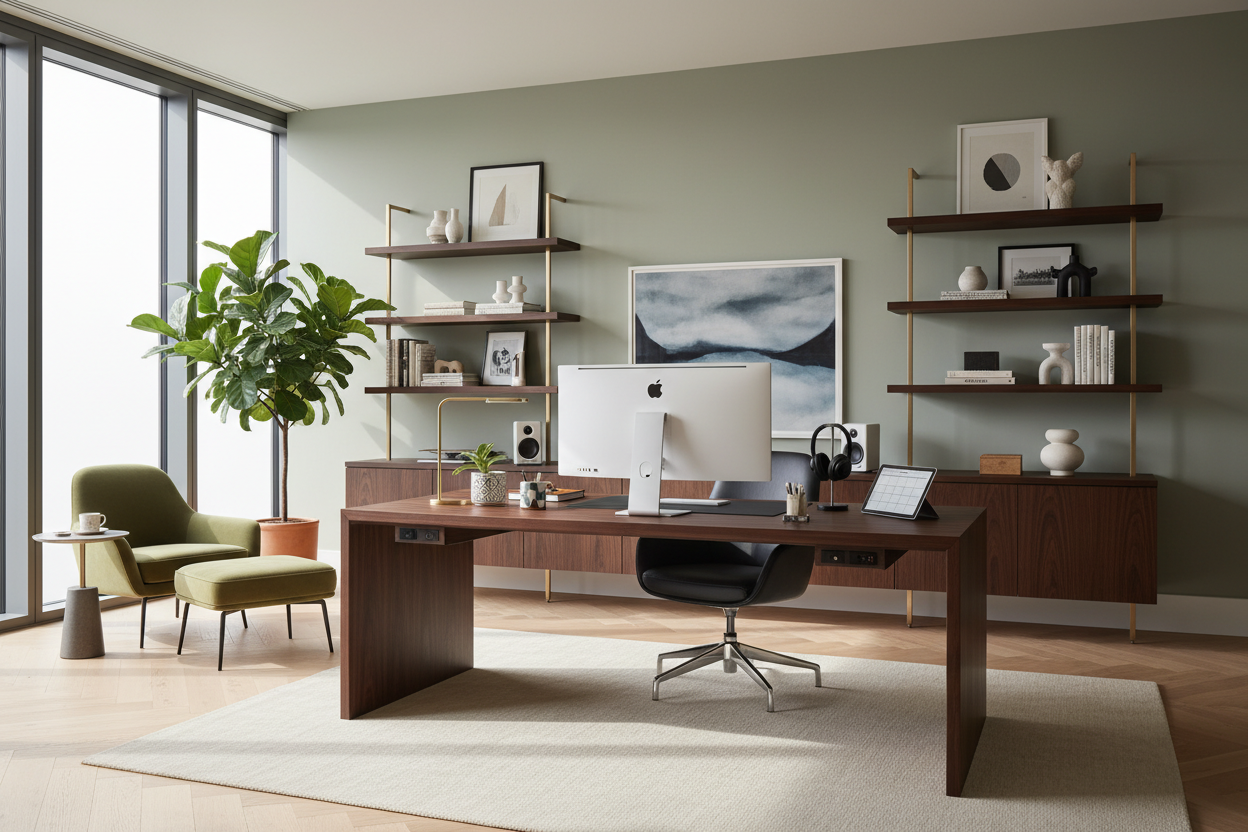
Many of my clients come to me exhausted by their workspaces. They bought the sleek, mid-century desk they saw online, only to realize it offers zero ergonomic support and leaves a tangled mess of cables spilling across the floor. If you want to build a room that actually supports your daily workflow, you need to rethink what the standard office must haves 2024 dictates. By the end of this guide, you will know exactly where to invest your budget and which trendy pieces to leave in the showroom.
Quick Decision Guide
- Invest heavily in your chair; everything else is secondary to spinal health and seat depth.
- Layer your lighting. Overhead glare kills productivity faster than a bad Wi-Fi connection.
- Treat cable management as a foundational design choice, not a weekend afterthought.
- Match your desk width to your actual monitor setup, leaving at least 15 inches of negative space to avoid visual crowding.
Prioritizing the Physical Workspace
The Non-Negotiable Chair
When mapping out your home office essentials 2024, the chair is where you allocate the bulk of your budget. A chair might look stunning wrapped in top-grain leather, but if the seat pan is too deep for your legs, you will end up slouching within an hour. Look for high-density foam cushions that resist compressing over time, and adjustable lumbar support that hits the natural curve of your lower back.
Desk Heights and Proportions
Standard desk height is around 29 to 30 inches, which is actually too high for many people under five-foot-nine. This forces you to raise your chair, which leaves your feet dangling and creates lower back strain. If you are investing in a new surface, consider a dual-motor standing desk frame paired with a solid wood top. It allows you to dial in the exact millimeter of height required for your specific proportions.
Space Planning and Layout Rules
Managing Visual Weight
One of the biggest mistakes I see in North American suburban homes is placing a massive, heavy-looking executive desk right against the wall in a small room. This immediately makes the space feel cramped. Instead, pull the desk out into the room so you face the door, or choose a desk with an open metal base. This allows light to pass through the silhouette, reducing the piece's visual weight.
Clearance and Flow
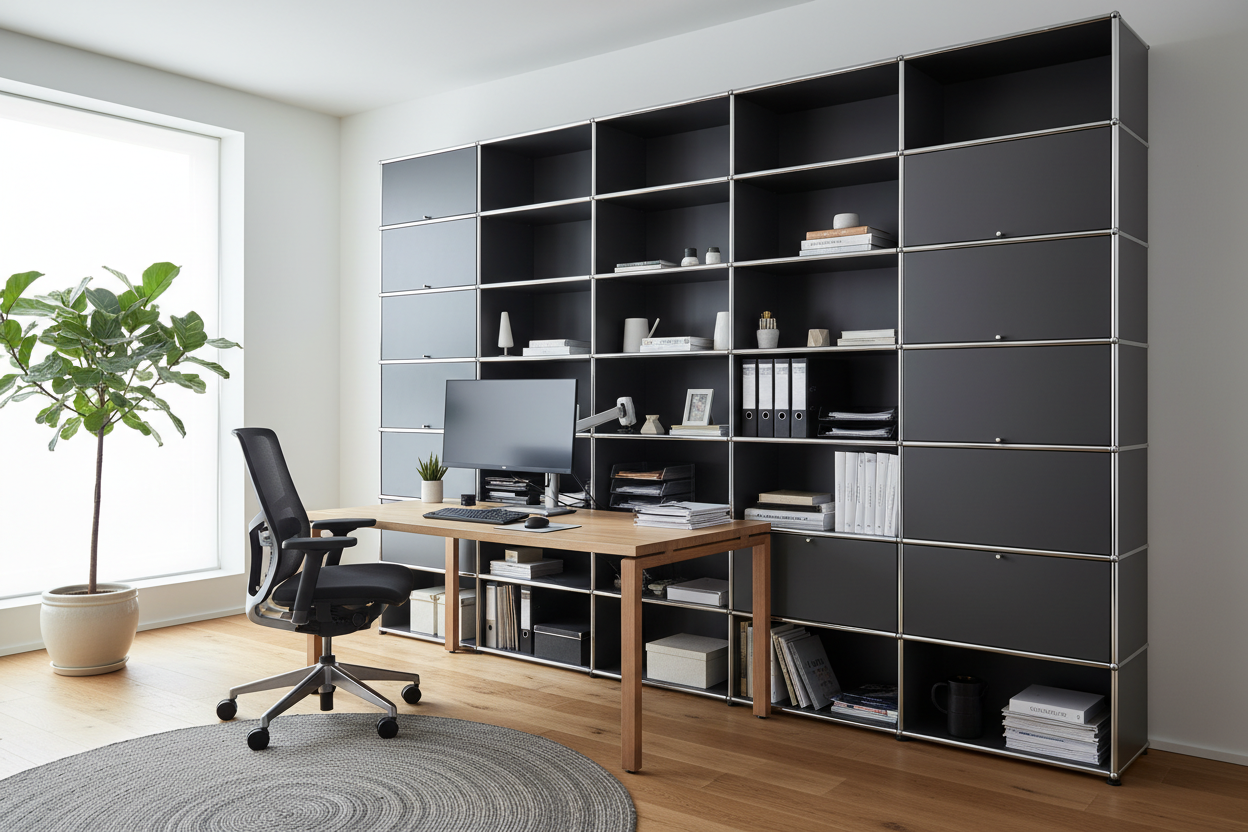
Always leave at least 36 inches of clearance behind your desk. This gives you enough room to push your chair back and stand up without scraping the wall or feeling trapped. If you are adding a credenza or bookshelf behind you, increase that walkway to 42 inches.
Making It Look Intentional
Blending Tech with Decor
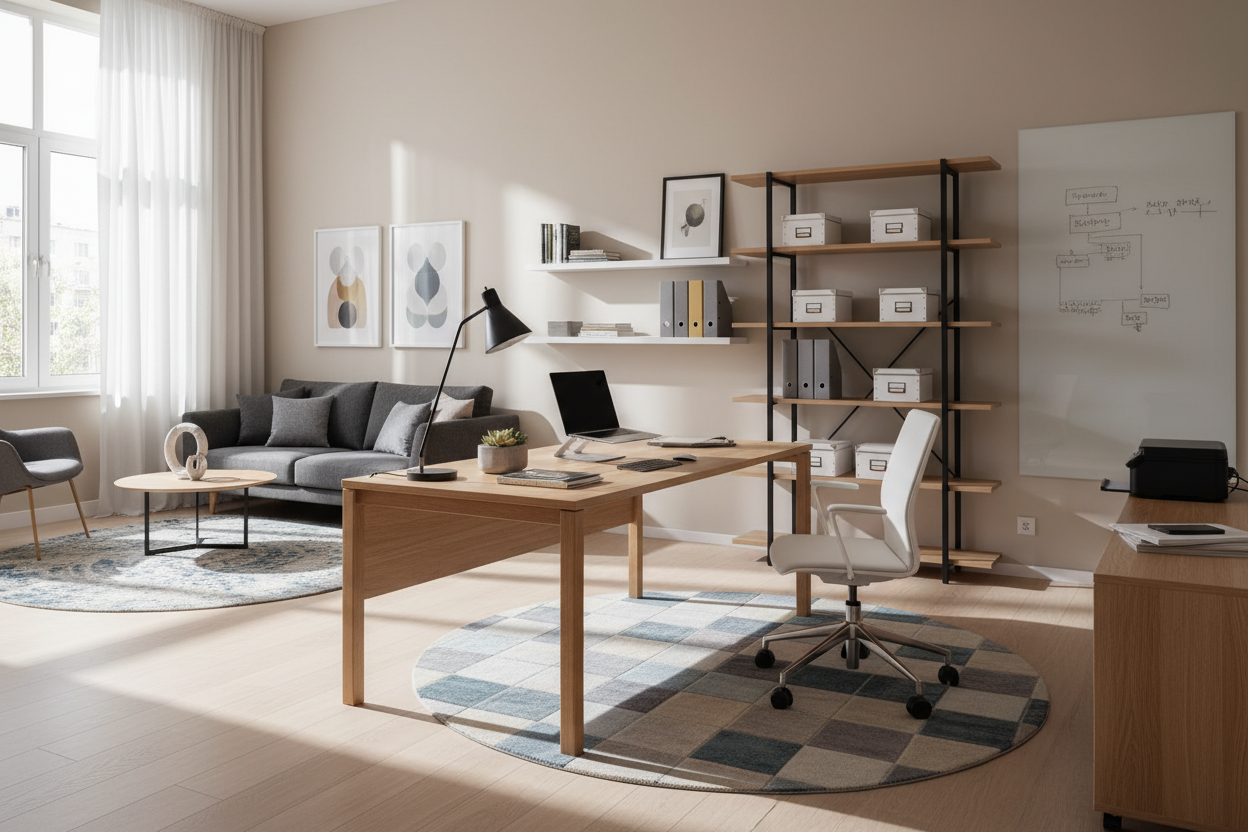
Technology is inherently cold and angular. To soften the room, you need to introduce organic textures. As you curate your home office must haves 2024, think about layering a vintage-inspired, low-pile rug under the desk. Not only does it anchor the furniture and define the zone, but it also absorbs harsh sound bouncing off hard floors during video calls.
Lessons from My Own Projects
I learned the hard way that a beautiful, minimalist glass desk is an absolute nightmare for daily use. A few years ago, I installed a stunning tempered glass piece in my own studio. Within a week, the constant fingerprint smudges drove me crazy. Worse, there was nowhere to hide the power bricks for my monitors.
I ended up taping power strips to the underside of the glass with heavy-duty adhesive. Predictably, the adhesive failed a month later, dropping a heavy power block right onto my foot mid-meeting. Since then, I refuse to spec a primary desk without integrated cable management trays, no matter how good the design looks in a catalog. Function has to lead.
Frequently Asked Questions
What size desk do I need for dual monitors?
You need a desk that is at least 60 inches wide and 27 inches deep. Anything smaller forces the monitors too close to your face and leaves zero room for a keyboard, mouse, or a simple notepad.
How do I hide cables in a floating desk setup?
Use a cable management tray mounted to the underside of the desktop to hold power strips and excess wire. Then, route a single, braided cable sleeve down the back of one of the desk legs to the wall outlet.
Are standing desks actually worth the investment?
Yes, but only if you buy a high-quality frame. Cheap, single-motor standing desks tend to wobble significantly at their highest setting, which makes typing incredibly frustrating. Invest in a dual-motor frame with a crossbar for maximum stability.

Leave a comment
This site is protected by hCaptcha and the hCaptcha Privacy Policy and Terms of Service apply.