










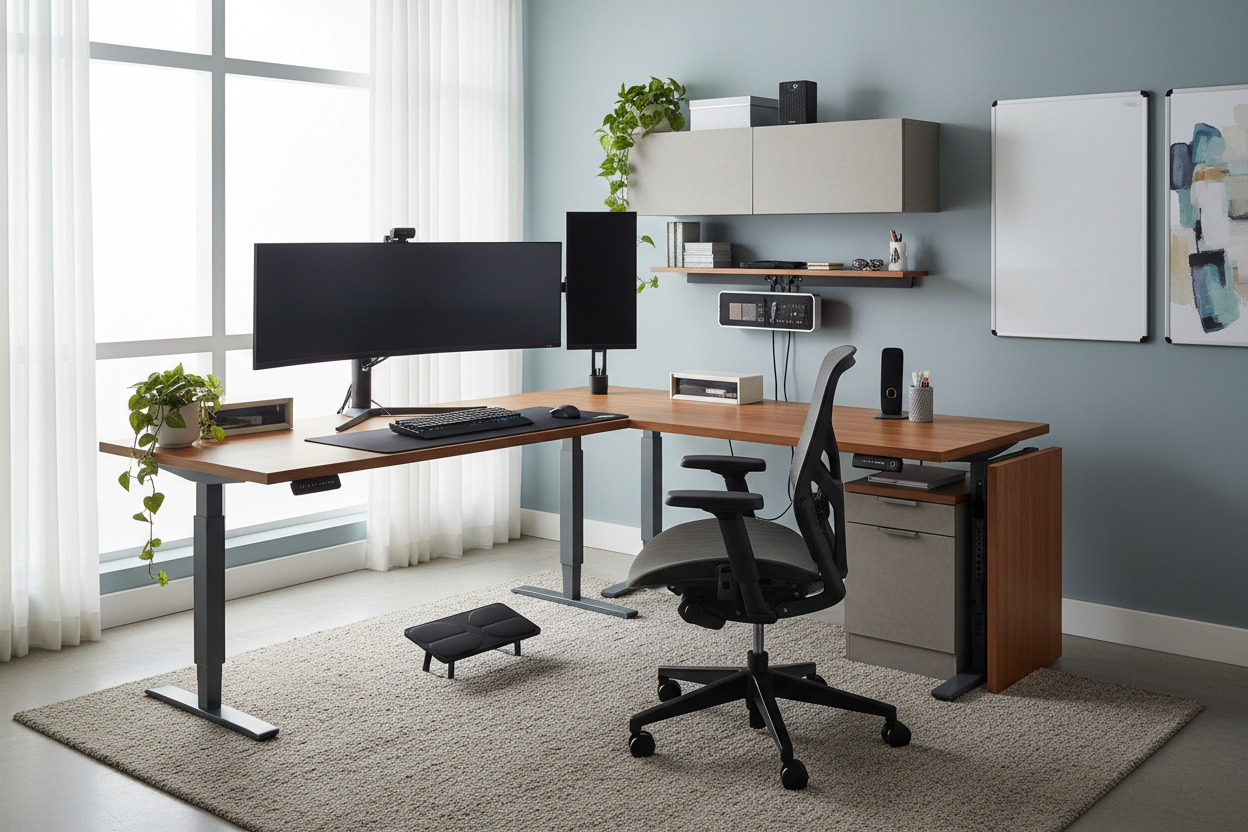
One of the most frequent dilemmas I encounter when consulting for private home offices is the disconnect between technology and terrain. Clients often invest thousands in high-performance tech but place it on surfaces that lack structural integrity or ergonomic foresight. The result? A workspace that looks cluttered and feels physically draining. True design harmony occurs when your furniture office equipment works in tandem—where the desk supports the monitors at eye level, and the chair complements the room's architectural flow.
Quick Decision Guide: Key Features to Look For
- Ergonomics First: Prioritize chairs with adjustable lumbar support and seat depth; aesthetics should never compromise spinal health.
- Material Durability: For high-traffic surfaces, opt for high-pressure laminate (HPL) or sealed solid wood over standard veneers to resist heat from equipment.
- Cable Management: Look for desks with integrated grommets or hidden channels to manage the inevitable wiring from office equipment and furniture.
- Scale and Proportion: Ensure the furniture footprint allows for a 36-inch clearance behind the desk for chair movement.
Curating the Right Aesthetic and Function
When selecting pieces for a professional environment, we aren't just filling a room; we are curating a workflow. The interplay between your hardware and your furnishings defines the room's energy.
Choosing the Right Materials
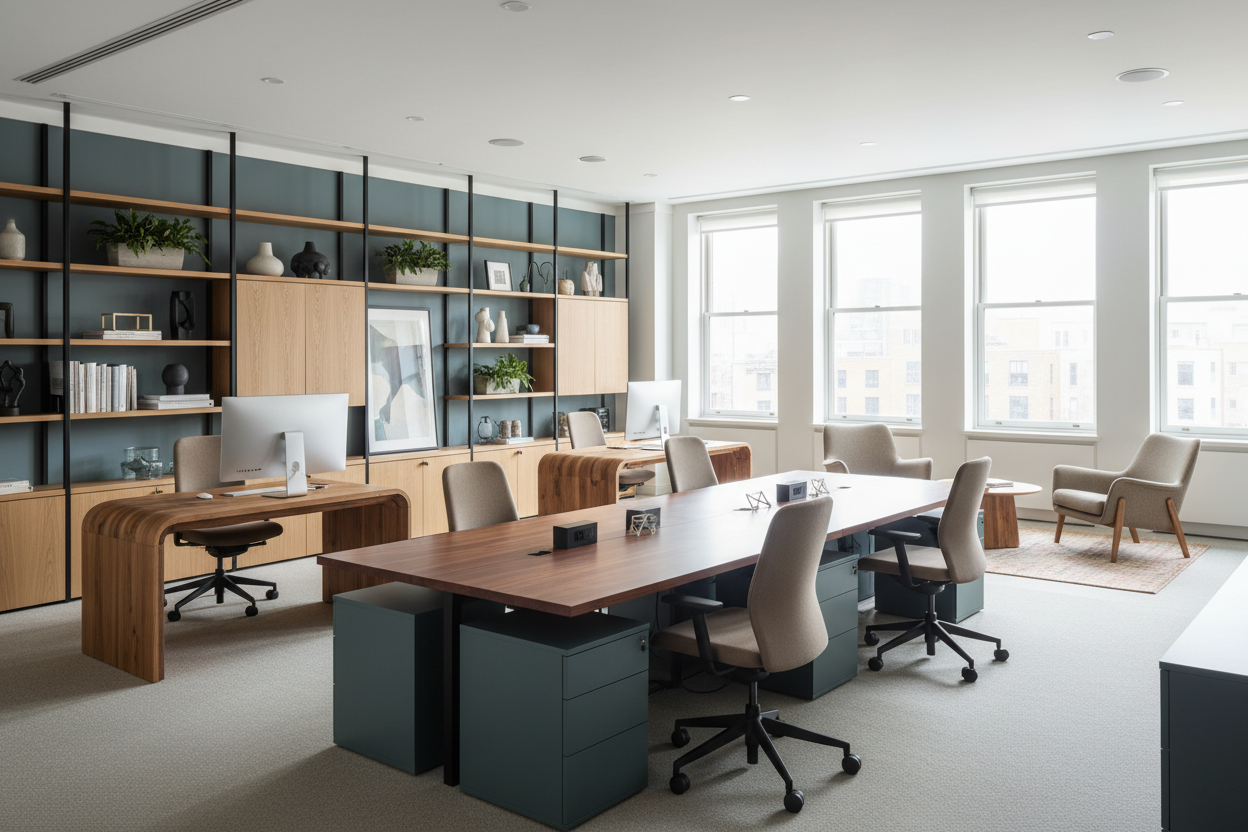
The tactile experience of a workspace is often overlooked. While glass desks offer a sleek, modern silhouette, they are often impractical for heavy usage; they are cold to the touch, magnify fingerprint smudges, and amplify the sound of typing or equipment fans. In my projects, I lean toward hardwoods like walnut or white oak for executive spaces. They absorb sound and provide a warm, grounding texture. If budget is a constraint, look for commercial-grade thermally fused laminate, which mimics the grain of wood but offers superior scratch resistance against heavy printers or monitor stands.
The Ergonomic Equation
Integrating office equipment and furniture requires a precise understanding of anthropometrics. A common design failure is pairing a vintage writing desk with a modern task chair. Often, the apron (the drawer section) of the desk is too low, preventing the chair arms from sliding underneath. This forces the user to sit too far back, leading to shoulder strain. Always measure the clearance height of the desk and compare it to the armrest height of your preferred chair.
Space Planning and Visual Balance
In interior design, the "Command Position" is paramount. Ideally, your desk should face the door but not be directly in line with it. This layout reduces subconscious anxiety and allows you to greet guests or family members without turning around.
Lighting and Glare Control
Your furniture placement dictates your lighting needs. Position your desk perpendicular to windows. Placing a monitor directly in front of a window creates contrast strain, while placing it opposite a window causes glare. Use the furniture layout to anchor the room, then layer ambient and task lighting to soften the harsh glow of screens.
Lessons from My Own Projects
I want to share a specific mistake I made early in my career so you don't have to. I once designed a minimalist office for a client using a stunning, sculptural "floating" desk. It looked incredible in the rendering. However, I hadn't accounted for the sheer volume of furniture office equipment the client actually used—specifically, a hard drive array and a heavy-duty surge protector.
Because the desk had zero drawers and open legs, there was nowhere to hide the "spaghetti" of cables. We ended up having to zip-tie cables to the beautiful metal legs, which completely ruined the floating effect. Now, I always ask clients to pile all their tech on a table before we buy a single piece of furniture. If you have heavy tech needs, avoid open-silhouette desks. Go for a desk with a modesty panel or integrated cable trays. It’s a small detail, but seeing a mess of wires every day will subconsciously ruin your enjoyment of the space.
Conclusion
Designing a workspace is about more than just purchasing a table and a chair. It is about creating an environment that respects both your body and your workflow. By carefully selecting materials that age well and planning your layout around natural light and traffic flow, you can elevate a simple room into a productivity sanctuary.
Frequently Asked Questions
How do I match modern office equipment with traditional furniture?
The key is contrast and concealment. If you have a traditional mahogany desk, use modern tech with matte black finishes rather than silver or white to help them recede visually. Use leather desk pads to create a visual bridge between the antique wood and the modern plastic or metal of the equipment.
What is the ideal desk depth for multiple monitors?
For a setup with dual monitors or large office equipment and furniture requirements, I recommend a desk depth of at least 30 inches. Standard 24-inch desks often place the screens too close to the face, causing eye strain and leaving little room for a keyboard and notepad.
Is a standing desk worth the investment for a home office?
Absolutely, but focus on stability. Many budget standing desks wobble significantly at full height, which can be distracting when typing. Look for a dual-motor frame with a crossbar for maximum rigidity, ensuring your expensive equipment remains secure while you alternate positions.

Leave a comment
This site is protected by hCaptcha and the hCaptcha Privacy Policy and Terms of Service apply.