










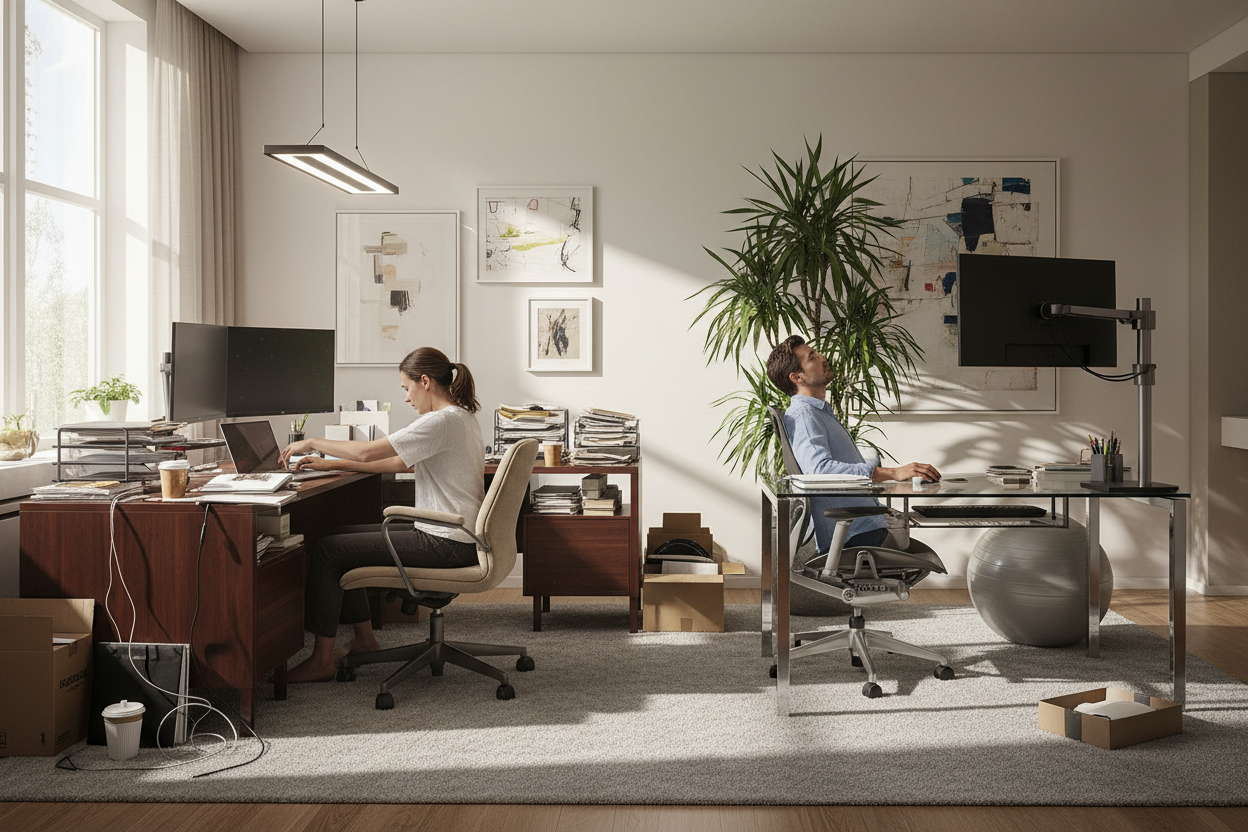
You have likely stared at a floor plan, wondering how to fit functionality into a space without making it look like a sterile call center. It is the classic design dilemma: balancing the need for acoustic privacy and focus with the desire for collaboration and open flow. Often, buyers prioritize the desk's surface appearance while neglecting the structural footprint, leading to cramped quarters and poor circulation. In this guide, we break down the nuances of office workstation designs to help you curate a space that works as hard as you do.
Key Features to Look For
Before committing to a specific aesthetic, review this checklist to ensure your choice meets professional standards. These are the primary factors that dictate longevity and comfort:
- Material Composition: Distinguish between High-Pressure Laminate (HPL) for durability versus wood veneer for executive elegance.
- Ergonomic Integration: Ensure the design accommodates monitor arms and offers height-adjustable capabilities (sit-stand).
- Cable Management: Look for integrated grommets and under-desk troughs to maintain visual clarity.
- Spatial Footprint: Measure for 'chair swing' space behind the desk, not just the desk size itself.
Assessing Material Quality and Durability
As a designer, the first thing I inspect is the edge banding. On lower-quality workstation designs for office environments, you will often see a peeling plastic strip after a few months of wear. For a sophisticated look that withstands daily coffee spills and mouse friction, opt for thermally fused laminate (TFL) or a commercial-grade HPL. If you are leaning towards solid wood or veneer, be aware that while the tactile experience is superior and adds warmth, it requires significantly more maintenance to prevent ring marks and scratches.
Space Planning and Layout Flow
The silhouette of the workstation dictates the flow of the entire room. A common error is choosing heavy, L-shaped desks for a small room, which visually anchors the space too aggressively. For tighter areas, consider 'benching' systems with a shared metal framework. This reduces the number of legs on the floor, creating a sense of openness. Conversely, if you are styling a large executive suite, a substantial desk with a modesty panel serves as a necessary focal point, grounding the room and establishing authority.
Balancing Visual Weight
Visual weight refers to how heavy an object looks, not how much it weighs. A desk with closed cabinetry bases has high visual weight; a desk on slender metal legs has low visual weight. To keep a home office or corporate space feeling airy, mix these elements. If your storage is heavy (floor-to-ceiling cabinets), keep the workstation design light and sculptural.
Ergonomics Beyond the Chair
Most people assume ergonomics starts and ends with the chair. However, the workstation design itself plays a pivotal role. The depth of the desk is critical; a depth of less than 24 inches (60cm) often places the monitor too close to the eyes, causing strain. Furthermore, check the 'knee clearance.' Many modern designs feature apron drawers that look sleek but restrict leg movement, forcing you to sit too low or too far back.
Lessons from My Own Projects
I once specified a series of stunning, floating oak desks for a boutique creative agency. They looked sculptural and airy in the renderings. However, I overlooked a critical detail: the 'leg swing' clearance relative to the cable management trays I added later. When the clients sat down, their knees kept banging against the metal wire troughs underneath because the desk apron was too deep. We had to retrofit the entire row with low-profile mesh management systems.
It was a humbling reminder that a workstation is a machine for working, not just a statue. Now, whenever I evaluate a desk, I physically sit at it and cross my legs. If my knee hits the underside structure, I walk away, no matter how beautiful the finish is.
Conclusion
Selecting the right furniture is about investing in your daily workflow. By focusing on durable materials, appropriate scale, and hidden ergonomic details, you ensure your workspace remains a place of inspiration rather than frustration. Take your measurements, check the edge banding, and prioritize your physical comfort.
Frequently Asked Questions
What is the ideal depth for a standard office workstation?
For general computer work, a depth of 24 to 30 inches (60-75cm) is standard. This allows enough distance between your eyes and the monitor while leaving room for a keyboard and notepad.
How do I hide wires on a desk that doesn't have grommets?
If the design lacks built-in holes, use adhesive cable clips along the back legs or a 'vertebrae' cable spine that runs from the desktop to the floor. This keeps cords organized without drilling into the surface.
Are standing desk converters better than full adjustable desks?
Full adjustable desks are generally superior for stability and aesthetics. Converters add visual clutter and can raise the keyboard too high when in the seated position, potentially causing shoulder strain.

Leave a comment
This site is protected by hCaptcha and the hCaptcha Privacy Policy and Terms of Service apply.