










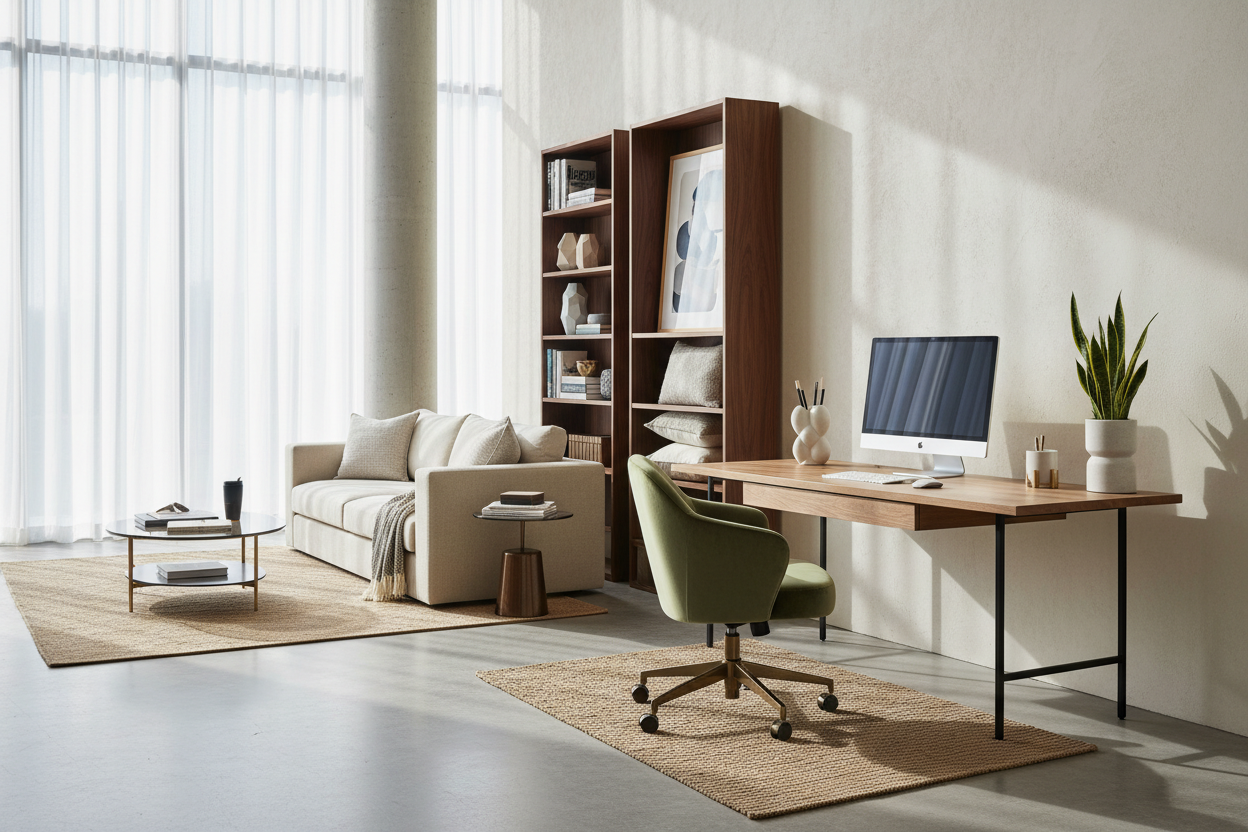
It happens subtly. First, it is just a laptop on the kitchen island. A year later, your guest room is a tangled mess of cords, a wobbly desk, and a dining chair that is destroying your lower back. When you finally decide to upgrade, navigating a work from home shop can feel overwhelming. You are bombarded with ergonomic jargon, wildly varying price points, and pieces that look great in a styled catalog but might not survive daily life in a busy household.
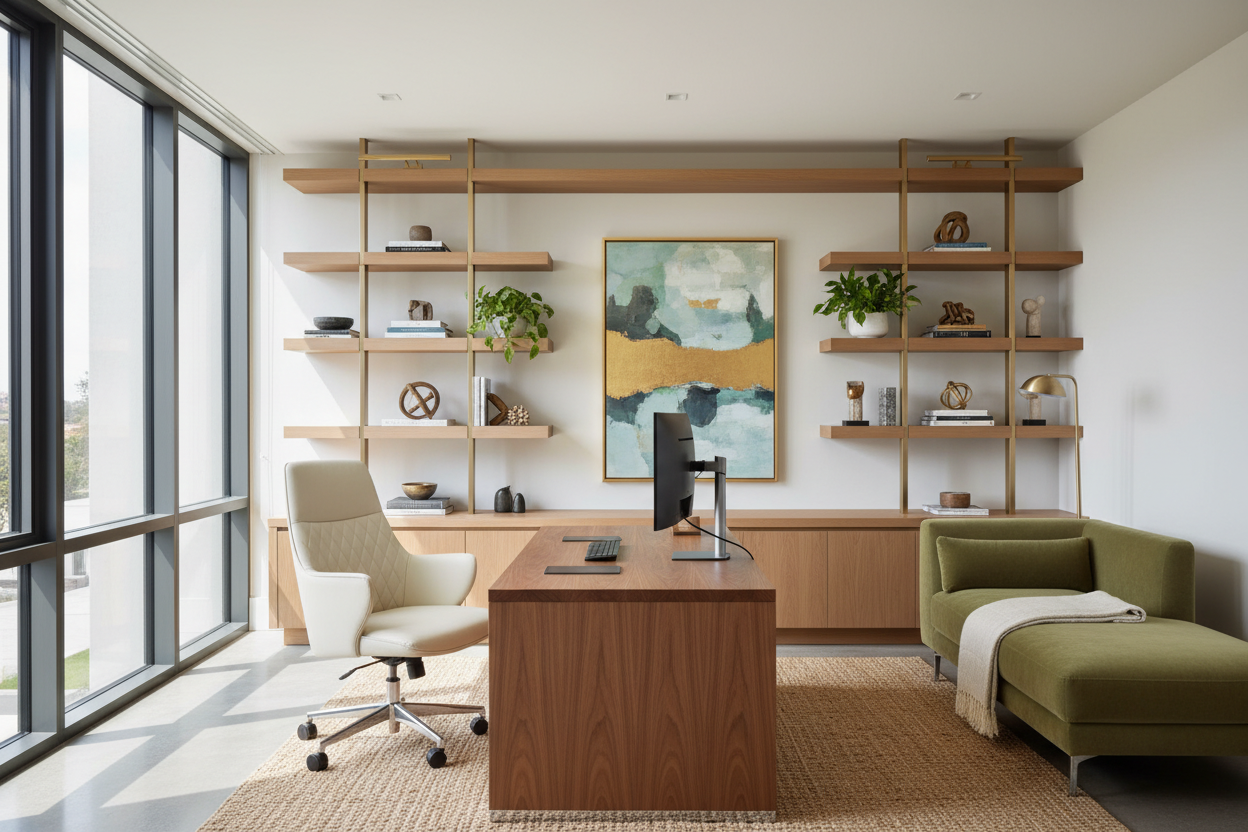
As a designer who has planned countless residential offices over the last 15 years, I see homeowners make the same expensive mistakes when buying office furniture. Today, we are cutting through the marketing noise. You will walk away knowing exactly how to allocate your budget, what materials actually hold up, and how to make a workspace function beautifully without looking like a corporate cubicle.
Quick Decision Guide
- Prioritize a commercial-grade ergonomic chair over a matching desk set.
- Leave at least 36 inches of clearance behind your desk to roll and stand comfortably.
- Choose solid wood or high-pressure laminate (HPL) for high-traffic surfaces to prevent peeling.
- Incorporate closed storage to reduce visual clutter and separate work from leisure.
Space Planning & Layout
Fitting the Office into Multi-Use Rooms
Most North American homes do not have the luxury of a dedicated, enclosed office. Often, your workspace shares a footprint with a guest bedroom or an open-concept living area. The biggest mistake I see is ignoring proportion. A massive executive desk will visually swallow a small apartment living room. Instead, look for pieces with a lighter visual weight—desks with slender metal legs or wall-mounted floating units that preserve the negative space underneath.
Always measure your clearance. You need a minimum of 36 inches from the edge of the desk to the nearest wall or piece of furniture behind you. This allows you to push your chair back and stand up without scraping the paint.
Material & Build Quality
The Truth About Desk Surfaces
When you browse a work from home store, you will see a lot of terms thrown around: solid wood, wood veneer, engineered wood, and laminate. Solid wood offers unmatched longevity and can be refinished, but it reacts to humidity and requires coasters for your morning coffee. Wood veneer provides that beautiful organic texture at a lower price, but the edges are prone to chipping if you constantly bump them with your chair armrests.
For high-traffic, heavy-use setups, I frequently recommend high-pressure laminate (HPL). It lacks the prestige of walnut or oak, but it easily resists scratches, water rings, and fading from sunlight.
Comfort & Ergonomics
Beyond the Showroom Sit Test
A chair might feel fantastic for the five minutes you sit in it at the showroom, but an eight-hour workday is a different story. Pay attention to seat depth. If the seat pan is too long, it will cut off circulation behind your knees. If it is too short, your thighs will not have enough support. Look for a chair with an adjustable seat pan, adjustable lumbar support, and armrests that can drop low enough to slide under your desk.
Lessons from My Own Projects
A few years ago, I sourced a stunning mid-century modern walnut desk from a boutique wfh shop for a client's open-concept living room. It was a true statement piece. The silhouette was flawless, and it tied the whole room together.
I learned the hard way that aesthetics cannot override function in a workspace. The matte finish looked incredible, but it was a nightmare for maintenance. Every coffee cup left a ring, and the sharp, unchamfered edge dug into the client's wrists during long typing sessions. We ended up having to commission a custom leather desk pad just to make the piece usable. It taught me to always prioritize edge profiles and finish durability over pure visual appeal.
Frequently Asked Questions
How do I know if a desk is the right height?
Standard desk height is around 29 to 30 inches, which is actually too high for many people. When sitting, your elbows should rest comfortably at a 90-degree angle on the desk surface while your feet are flat on the floor. If you are shorter, consider an adjustable standing desk or a keyboard tray.
What should I prioritize on a tight budget?
Spend 70 percent of your budget on a highly adjustable ergonomic chair. You can work effectively on a cheap table or a second-hand desk, but a poorly built chair will cost you in chiropractor bills and lost focus.
How do I hide cables on a minimalist desk?
Look for desks with built-in cable management trays or grommet holes. If your current desk lacks these, use adhesive cable clips routed down the back legs and mount your power strip directly to the underside of the desk to keep cords off the floor.

Leave a comment
This site is protected by hCaptcha and the hCaptcha Privacy Policy and Terms of Service apply.