










We have all been there. You start a remote job thinking you will just answer emails from the sofa. Six months later, your lower back aches, your dining table is a permanent tangle of charging cables, and the boundaries between home and work have completely dissolved. When working outside the office becomes a long-term reality, treating your living room or guest bedroom like a makeshift cubicle simply will not cut it.
Designing a workspace inside a residential home requires a delicate balancing act. You need the grueling functionality of commercial office furniture, but you want the warmth and visual appeal of a curated home. Today, I am breaking down exactly how to select and arrange pieces that support a full workday without ruining your interior aesthetic.
Quick Decision Guide
- Prioritize adjustable seating: A beautiful dining chair will cause fatigue after four hours. Invest in ergonomic task chairs designed with residential fabrics.
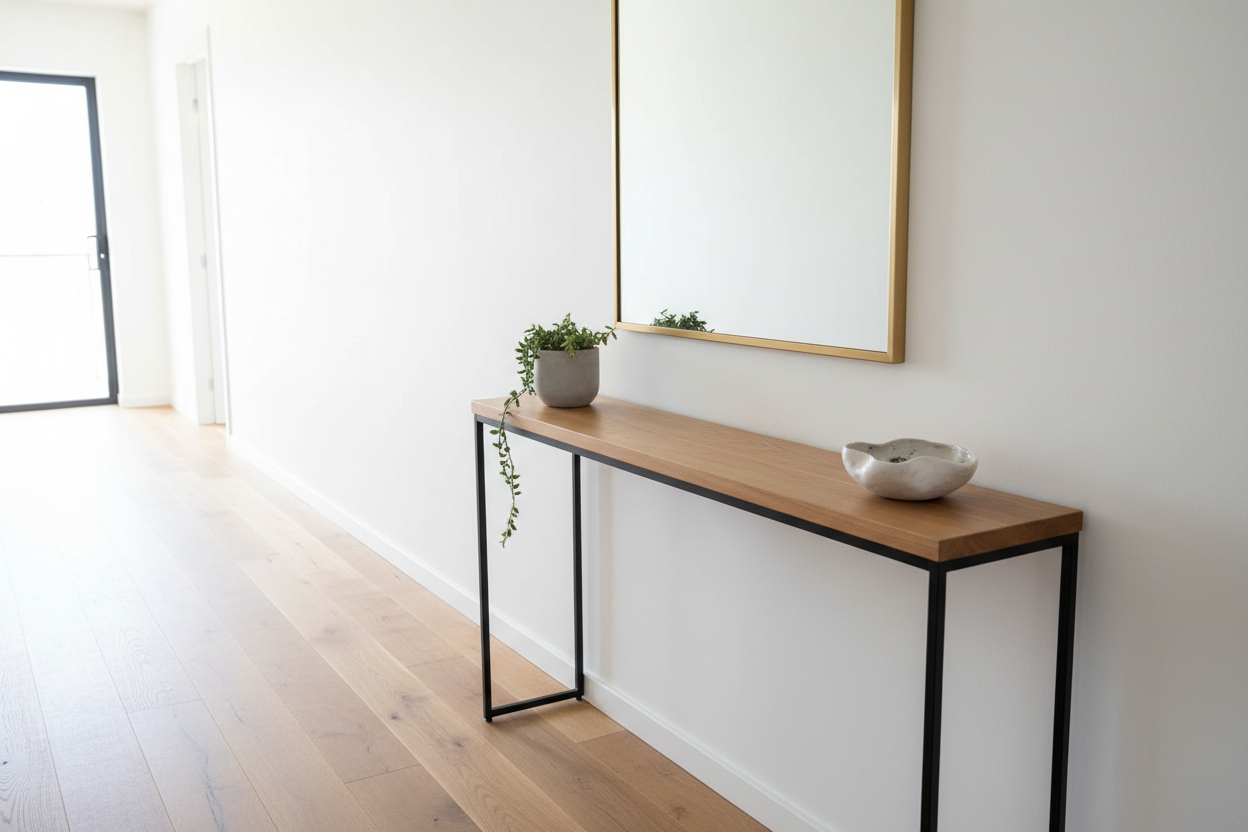
- Mind the visual weight: In shared spaces, choose desks with open bases and slim silhouettes to avoid crowding the room.
- Define the zone: Use area rugs and directional lighting to create a psychological boundary between your workspace and relaxation areas.
- Check the clearance: Always leave at least 36 inches of push-back space behind your desk chair to avoid scuffing walls or blocking walkways.
Space Planning: Carving Out a Functional Zone
Integrating a workspace into a North American suburban family room or a compact urban apartment requires strategic layout decisions. You cannot just shove a desk against an empty wall and expect it to feel cohesive.
The Open-Concept Dilemma
If your desk lives in the living room, it needs to blend in when you power down. I frequently recommend floating the desk behind the sofa. This arrangement utilizes negative space effectively and allows you to look out into the room rather than staring at blank drywall. Choose a desk with finished panels on all sides—exposed cords and raw MDF backs are an immediate eyesore.
Small Apartment Solutions
When square footage is tight, verticality is your best friend. Wall-mounted ladder desks or modular shelving systems with an integrated work surface draw the eye upward, making the ceiling feel higher while taking up a fraction of the floor space. Pair these with a low-profile chair that tucks completely out of the way.
Comfort & Ergonomics: Beyond the Showroom Look
There is a massive difference between furniture that looks great on a mood board and furniture that supports your lumbar spine through back-to-back video calls.
Seat Depth and Cushion Density
A standard dining chair has a seat depth of about 15 to 18 inches and uses low-density foam meant for short meals. For a full workday, you need high-resiliency foam and adjustable height. Look for crossover chairs—pieces wrapped in residential textures like bouclé, linen, or top-grain leather, but built on a commercial-grade ergonomic chassis. Your feet should rest flat on the floor with your knees at a 90-degree angle.
Lessons from My Own Projects
Early in the massive shift to remote work, I designed a stunning home office for a client in a historic Boston brownstone. We selected a gorgeous, channel-tufted velvet armchair with a fixed brass base. It looked incredible next to the vintage walnut writing desk.
Three months later, I got the call. The velvet was trapping body heat, making it miserably hot during summer afternoons, and the fixed height meant my client was hunching over her laptop. I learned the hard way that you can never compromise on ergonomics for the sake of a silhouette. We swapped it for a highly adjustable, mesh-backed ergonomic chair. It was not nearly as photogenic, but it was the only responsible choice for an eight-hour shift.
Frequently Asked Questions
How do I hide my workspace in a living room?
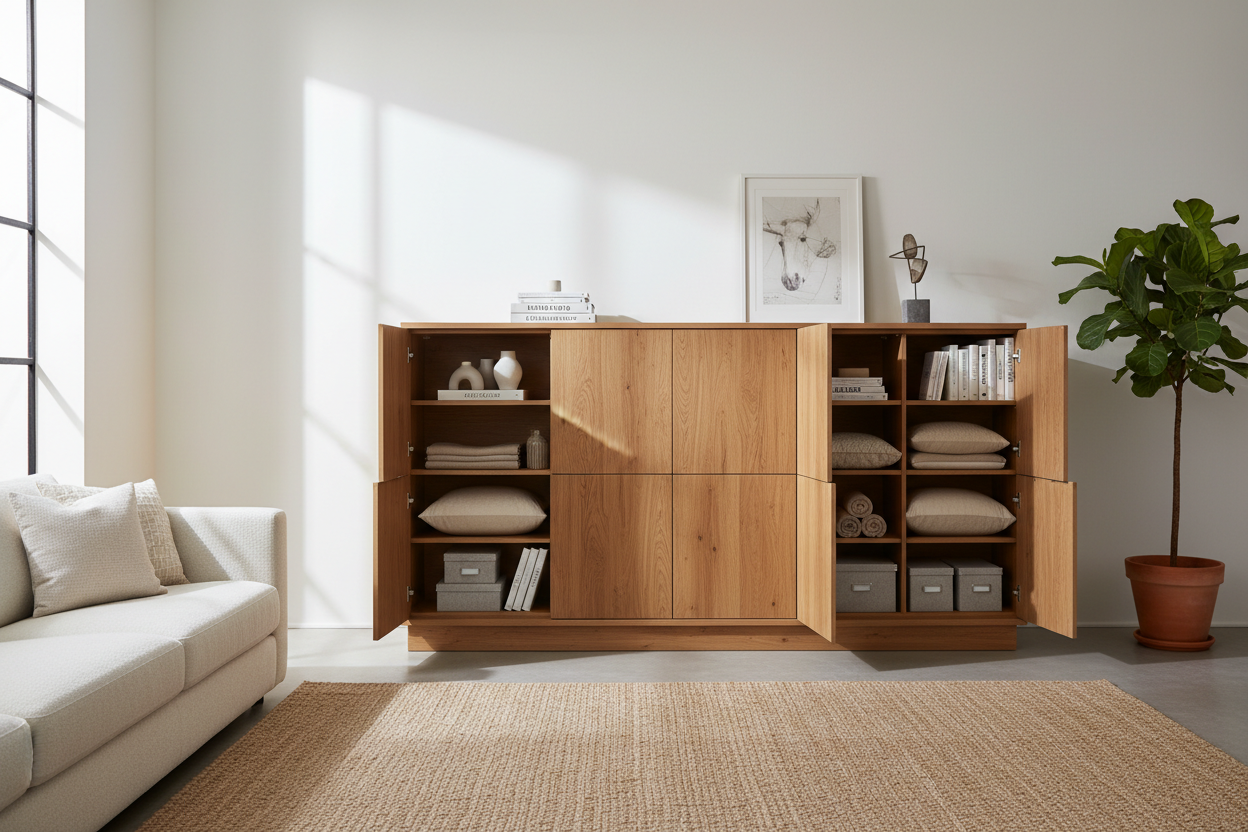
Secretary desks or armoire-style workstations are excellent for shared spaces. They offer a drop-down work surface and plenty of vertical storage. At the end of the day, you simply close the doors, instantly removing the visual reminder of your job from your relaxation space.
What size desk do I actually need?
For a laptop and a single monitor, a desk measuring 48 inches wide by 24 inches deep is the absolute minimum. If you use dual monitors or need space to review physical documents, step up to a 60-inch width to avoid feeling cramped and cluttered.
Is working from the sofa ever a good idea?
Only for short bursts. If you must work from the sofa occasionally, invest in a heavy-based C-table that pulls flush over your lap. This brings the keyboard to a proper typing height and stops you from curling your spine into a rigid posture over a low coffee table.

Leave a comment
This site is protected by hCaptcha and the hCaptcha Privacy Policy and Terms of Service apply.