










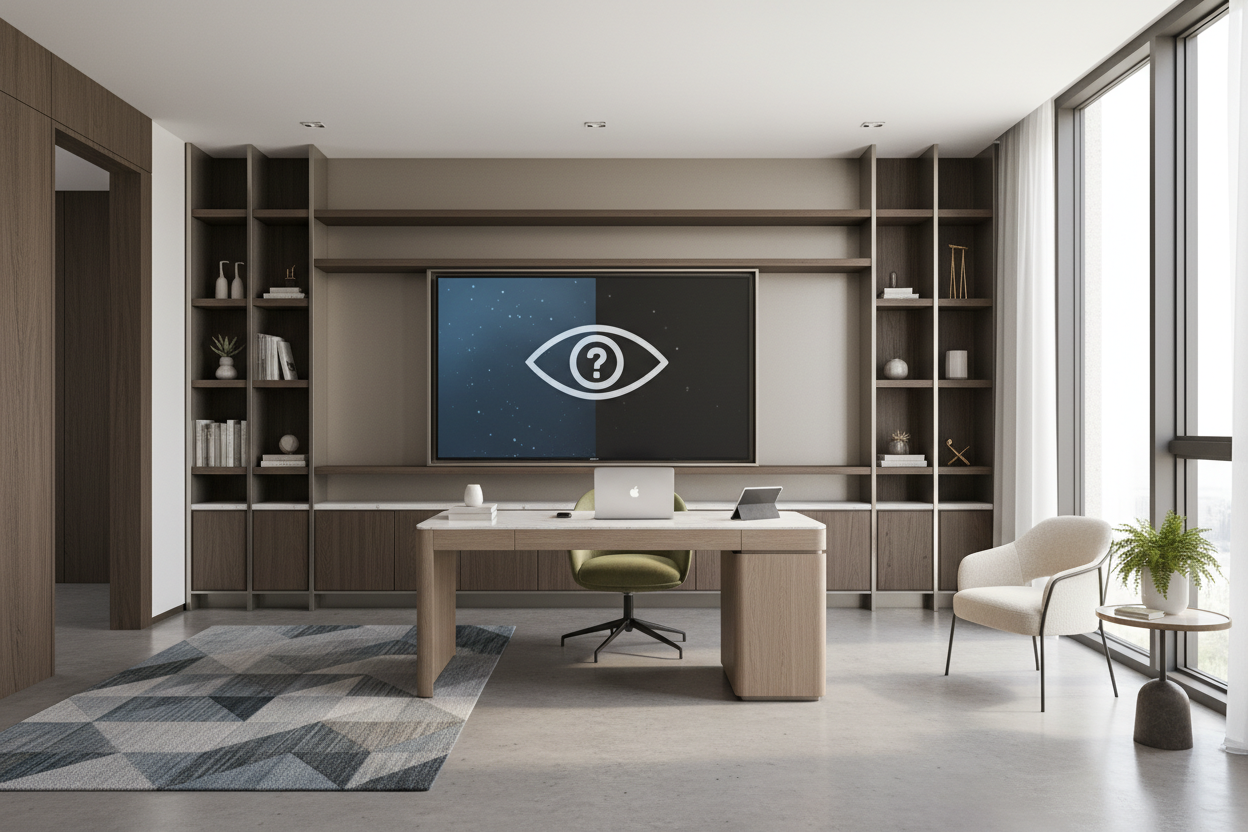
The reality of working from home often collides with the curated, picture-perfect studies we see online. Sometimes, you just need to keep an eye on the morning news, monitor financial markets, or have low-volume background noise while you tackle administrative tasks. But introducing a giant, glossy black rectangle into your workspace can quickly clash with your carefully chosen decor, leaving the room feeling more like a basement sports bar than a professional sanctuary.
If you are debating adding a home office tv to your setup, you are not alone. It is one of the most frequent requests I get from clients transitioning to permanent remote work. In this guide, we will walk through exactly how to integrate a screen into your workspace so it serves your functional needs without destroying the room's carefully planned visual weight and proportion.
Quick Decision Guide
- Size it down: Keep the screen under 43 inches to prevent it from dominating the room's aesthetic.
- Mind the glare: Mount the screen on a secondary wall, perpendicular to your windows, to avoid washed-out visuals.
- Hide the tech: Utilize frame TVs or digital art displays to disguise the electronics when not actively in use.
- Check your angles: Position the center of the screen based on your seated eye level, which is much higher in an office chair than on a living room sofa.
- Audio matters: Pair the screen with a sleek soundbar or Bluetooth headphones to maintain a quiet, professional environment for the rest of the house.
Nailing the Layout: Where Does the Screen Go?
Managing Glare and Zoom Backgrounds
Placing a tv in home office environments requires meticulous spatial planning. If you mount it directly behind your desk, it becomes a distracting, reflective void on your video calls. If you place it directly in front of your desk, the glare from your primary window will likely make it unwatchable during daylight hours.
The sweet spot is usually a side wall, positioned at a 90-degree angle to your primary natural light source. This placement allows you to glance over at the screen when necessary, keeps it out of your webcam's field of view, and minimizes the harsh reflections that cause eye strain during long workdays.
Disguising the Tech: Style Over Screens
The Magic of Gallery Walls
A massive plastic bezel kills the vibe of a sophisticated study. To maintain a cohesive aesthetic, treat the television like a piece of art. Building a gallery wall around a matte-screen frame TV is a highly effective way to reduce the visual weight of the electronics.
By surrounding the screen with physical frames, canvas prints, and mixed media, the television blends into the architecture of the room. When you turn it off, it displays a watercolor or vintage sketch, completely masking its true function. If a frame TV is out of budget, consider mounting a standard screen inside a dark-painted built-in bookcase, where the shadows naturally obscure the black screen.
Function First: Viewing Angles and Posture
Getting the Height Right
One of the most common mistakes people make is mounting their office screen at standard living room height. When you are sitting in an ergonomic desk chair, your posture is upright, and your eye level is significantly higher than when you are sinking into a plush sectional sofa.
Measure your seated eye level at your desk—usually around 42 to 48 inches off the floor—and use that measurement as your baseline for the center of the screen. If you use a standing desk, consider installing an articulating mount. This allows you to tilt the screen slightly downward when you are seated and push it flush against the wall when you raise your desk to stand.
Designer's Honest Take: Lessons from My Own Office
Two years ago, I decided I needed a screen in my own study to review digital floor plans and occasionally stream a morning design show. I bought a standard 50-inch LED and mounted it right above my walnut credenza. I learned the hard way that a glossy screen in a sunlit room acts like a giant, distorted mirror. Every time I turned around, I was blinded by the reflection of my south-facing window.
I also quickly realized that 50 inches is aggressively large for a standard 10x12 foot room; it threw off the entire scale of the space and made the room feel cramped. After three months of annoyance, I swapped it out for a 32-inch matte-finish monitor on a swing arm, tucked neatly into the corner of my bookshelf. It looks intentional, doesn't dominate the room, and actually gets used without giving me a headache.
Frequently Asked Questions
What size TV is best for a home office?
For most North American spare-bedroom offices (typically 10x10 to 12x12 feet), a 32-inch to 43-inch screen is ideal. Anything larger disrupts the room's proportion, overwhelms the negative space, and feels entirely too dominant for a work environment.
How do I hide the cords in a home office setup?
If you cannot run cables directly behind the drywall, use paintable cord covers that seamlessly match your wall color. Alternatively, strategically place a tall potted plant, like an olive tree or fiddle leaf fig, or a floor lamp to organically obscure the vertical drop of the wires.
Is a TV in the home office too distracting?
It depends entirely on your personal work habits. If you lack discipline, it can certainly be a productivity killer. However, many professionals use it strictly for ambient noise, running financial news tickers, or as a secondary wireless casting monitor for reviewing large presentations.


Dejar un comentario
Este sitio está protegido por hCaptcha y se aplican la Política de privacidad de hCaptcha y los Términos del servicio.