










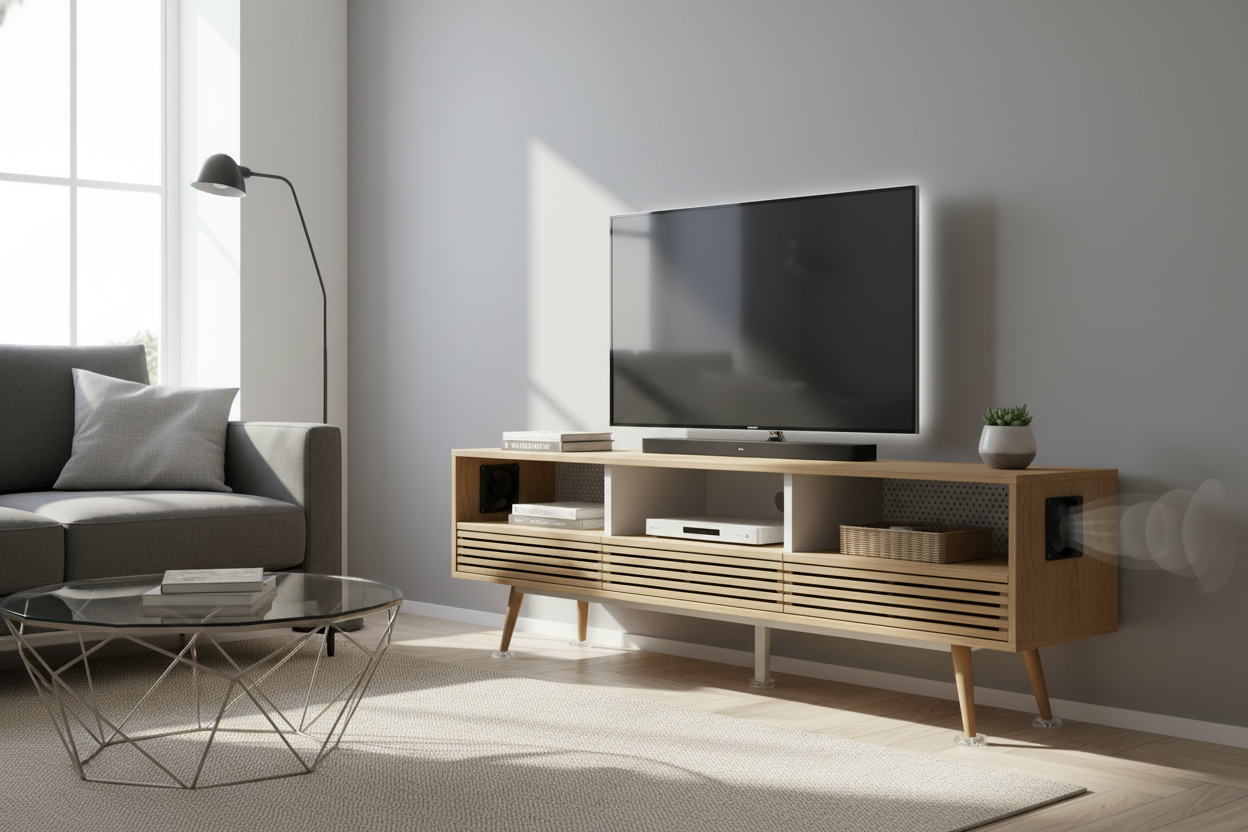
I spent $500 on a PS5 only to realize it is roughly the size of a mid-sized skyscraper. My living room is barely 200 square feet, and I absolutely refused to let a massive oak monolith take up half my floor space just to house a console. I eventually found a sleek small tv entertainment stand that fit the vibe, but within twenty minutes of gaming, the internal fans sounded like a jet engine taking off. It was a thermal disaster waiting to happen.
The reality is that modern tech runs hot—way hotter than the DVD players these cabinets were originally designed for. If you are stuffing a router, a console, and a cable box into a tiny box, you are basically slow-cooking your motherboards. Here is how I hacked my setup to keep things frosty without sacrificing my aesthetic.
Quick Takeaways
- Heat is the silent killer of GPUs and routers; never trust a closed-back cabinet.
- Always leave at least 3 inches of clearance above any high-performance console.
- Active cooling (fans) beats passive cooling (holes) every single time.
- Elevating your gear by just half an inch can drop internal temps significantly.
The Hidden Danger of Tiny Media Consoles
Most people pick a small tv cabinet stand based on how it looks on Instagram. We want those clean lines and hidden wires. But when you trap a device that pulls 200 watts of power inside a 15-inch particle board box, you are creating a literal oven. I have seen friends fry their gear because they thought a single 2-inch cable hole was enough 'ventilation.' It is not.
Plywood and MDF are surprisingly good insulators. They hold heat in. If the air inside your cabinet feels warm to the touch, your electronics are already suffering. High heat leads to thermal throttling, which means your games lag and your internet speeds drop. Over time, it kills the capacitors. You aren't just saving space; you might be destroying your hardware.
Why I Refused to Buy a Massive Media Center
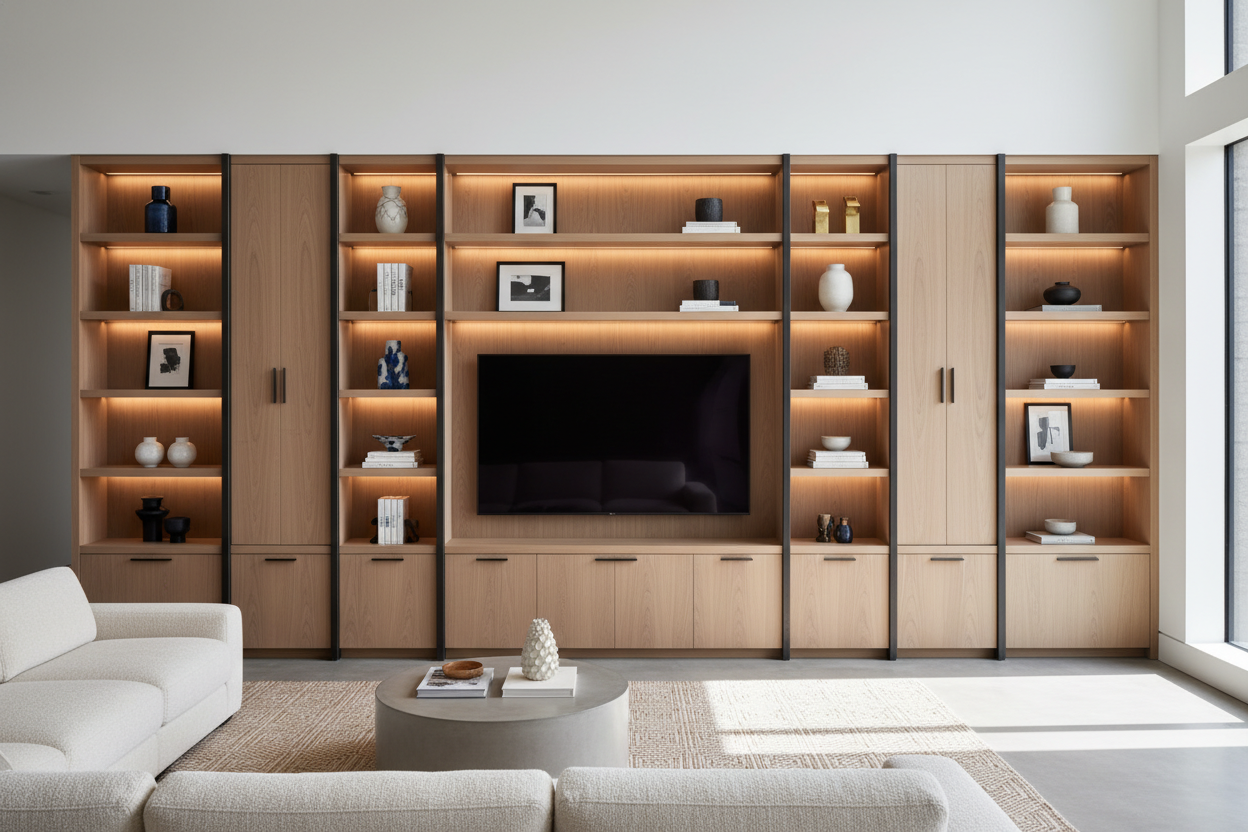
I used to have one of those wall-to-wall entertainment centers that looked like it belonged in a 1990s suburban basement. It was heavy, it gathered dust, and it made my apartment feel like a closet. I traded my giant tv stand for something much more minimal because I wanted my floor back. I wanted a room that breathed.
But downsizing meant I had to get smart. A compact unit doesn't have the luxury of 'dead air' space. Every square inch has to be functional. I realized that if I wanted the small footprint, I had to take responsibility for the airflow that the furniture designers clearly ignored.
Measuring for a Small TV Cabinet Stand That Actually Works
Before you buy, grab a tape measure. A PS5 is about 15.4 inches tall; an Xbox Series X is roughly 6 inches wide. But you can't just match those numbers to the shelf size. You need a 'buffer zone.' I look for at least 2 inches of side clearance and 3 inches of top clearance. If the shelf is 16 inches high and your console is 15.4, you are asking for a fire. Always check the internal depth too—cables stick out further than you think, often adding 2-3 inches to the total footprint.
Trick 1: The 'Swiss Cheese' Backing Hack
Most cheap stands come with a flimsy 1/8-inch hardboard back panel. Don't just pop the pre-cut cable hole and call it a day. I take a 2-inch or 3-inch hole saw bit and drill a grid of holes directly behind where the console sits. It looks like Swiss cheese, but since it is against the wall, nobody sees it.
This creates a natural chimney effect. Hot air wants to escape; you just have to give it a path. If you're worried about structural integrity, keep the holes at least two inches away from the edges where the back panel nails into the frame. This simple move dropped my internal cabinet temps by about 10 degrees instantly.
Trick 2: Installing USB-Powered Cabinet Fans
If you have a door on your cabinet, holes aren't enough. You need active airflow. I bought a pair of 120mm USB-powered fans for about $20. These are nearly silent—usually under 20 decibels—and they are a total lifesaver. I mounted one as an 'intake' on the bottom and one as an 'exhaust' near the top back.
The best part? You plug the USB directly into the back of your console. When you turn the Xbox or PlayStation on, the fans kick in. When you turn it off, the fans stop. It is a set-it-and-forget-it solution that ensures fresh air is constantly cycling through the unit, even with the doors shut tight.
Trick 3: Elevating Your Electronics
Heat doesn't just go up; it also builds up directly under the device. Most consoles have tiny rubber nubs for feet that offer almost zero clearance. I bought a pack of heavy-duty silicone hemispherical bumpers—the kind used for glass tabletops—and stuck them to the bottom of my gear.
By raising the console just half an inch off the shelf, you allow air to flow underneath the chassis. This prevents the shelf itself from becoming a heat soak. It is a $5 fix that makes a massive difference, especially for routers that tend to run hot 24/7.
When You Should Just Hide the TV Entirely
Sometimes, no matter how many holes you drill, a tiny cabinet just isn't the right fit for a high-end home theater. If you are a true minimalist who hates the look of tech but wants the performance, you might want to skip the DIY hacks and go for a specialized piece. A lifting tv stand with electric vertical lift is the ultimate move for small spaces. It keeps the screen and the heat-generating components entirely tucked away when you aren't using them, and these units are usually engineered with much better internal spacing than a standard discount-store cabinet.
FAQ
How do I know if my TV stand is too hot?
If you touch the top of the cabinet and it feels warm, or if your console fans are loud enough to hear over the game audio, you have a ventilation problem. Use a basic kitchen thermometer to check; anything over 100°F inside the cabinet is a red flag.
Will drilling holes void my furniture warranty?
Probably, but most small entertainment stands are mass-produced and inexpensive. The risk of a slightly altered back panel is much lower than the cost of replacing a fried $500 gaming console.
Do I really need fans if I leave the cabinet door open?
Leaving the door open helps, but it doesn't solve the problem of 'dead zones' in the back corners where hot air gets trapped. A small fan ensures that air is actually moving, which is always more effective than passive cooling.


Dejar un comentario
Este sitio está protegido por hCaptcha y se aplican la Política de privacidad de hCaptcha y los Términos del servicio.