










It usually starts with a laptop on the dining table. A few months later, you have a bulky monitor, a tangle of black cords, and an ergonomic chair that completely clashes with your carefully curated living room. Finding creative ideas for working from home is rarely about finding a place to put a computer; it is about reclaiming your residential space so you do not feel like you live inside a corporate cubicle.
Integrating a functional workspace into your home requires a delicate balance of space planning, visual weight, and clever storage. In this guide, I will walk you through how to build a comfortable, productive setup that actually looks like it belongs in your home.
Quick Decision Guide
- Prioritize visual weight: Choose desks with open bases or slender legs to keep small rooms feeling airy and spacious.
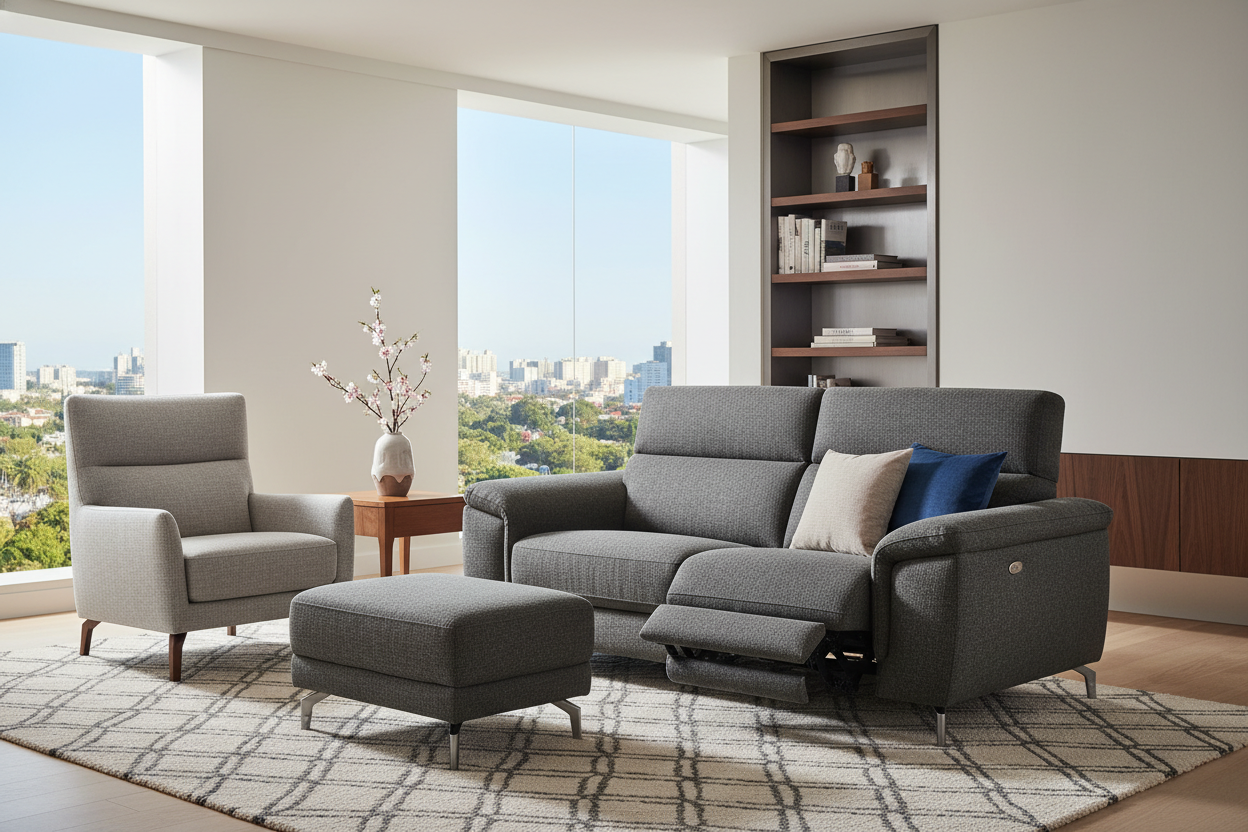
- Match your textiles: Swap standard black mesh office chairs for options upholstered in residential fabrics like boucle, velvet, or woven linen.
- Use vertical space: Wall-mounted floating desks and tall shelving units draw the eye upward and save valuable square footage.
- Control the cords: Cable management is non-negotiable. Use raceways, zip ties, or furniture with built-in routing to maintain a clean aesthetic.
Carving Out Space in North American Floor Plans
Typical open-concept suburban homes and compact urban apartments share a similar challenge: finding a dedicated zone for work that does not interrupt the flow of daily life.
The 'Cloffice' and Hidden Zones
If you lack a spare bedroom, standard closets can easily be converted into a hidden office. By removing the hanging rod and installing a sturdy, wall-to-wall floating shelf at a 30-inch height, you create a seamless desk. Paint the interior a moody, contrasting color like deep navy or forest green to define the zone. The best part? When the workday is over, you simply close the doors to hide the monitors and paperwork.
Floating Desks and Visual Weight
When placing a desk in a living room or bedroom, avoid heavy, solid-wood executive desks that anchor the room too aggressively. Instead, opt for a minimalist writing desk with a glass top or slender metal legs. This reduces the visual footprint, allowing your eye to travel through the furniture rather than stopping at a massive block of wood.
Comfort and Ergonomics in a Residential Setting
A setup that looks beautiful in an architectural magazine is useless if it gives you lower back pain by Tuesday. Ergonomics must dictate your furniture choices, but that does not mean you are stuck with ugly commercial furniture.
Finding the Right Seat Depth and Support
When brainstorming creative work at home ideas, clients often ask if they can just use a spare dining chair. The answer is no. Dining chairs have a seat pitch designed for leaning forward while eating, not for eight hours of typing. Look for office chairs from modern design houses that offer adjustable lumbar support and tilt mechanisms but are wrapped in warm, residential textiles. Ensure the seat depth leaves about two inches of space between the back of your knees and the edge of the cushion.
Blending Tech with Residential Textures
The stark, cold look of monitors, keyboards, and webcams can instantly ruin a room's aesthetic. The goal is to soften the technology by layering natural textures around it.
Managing Cord Clutter
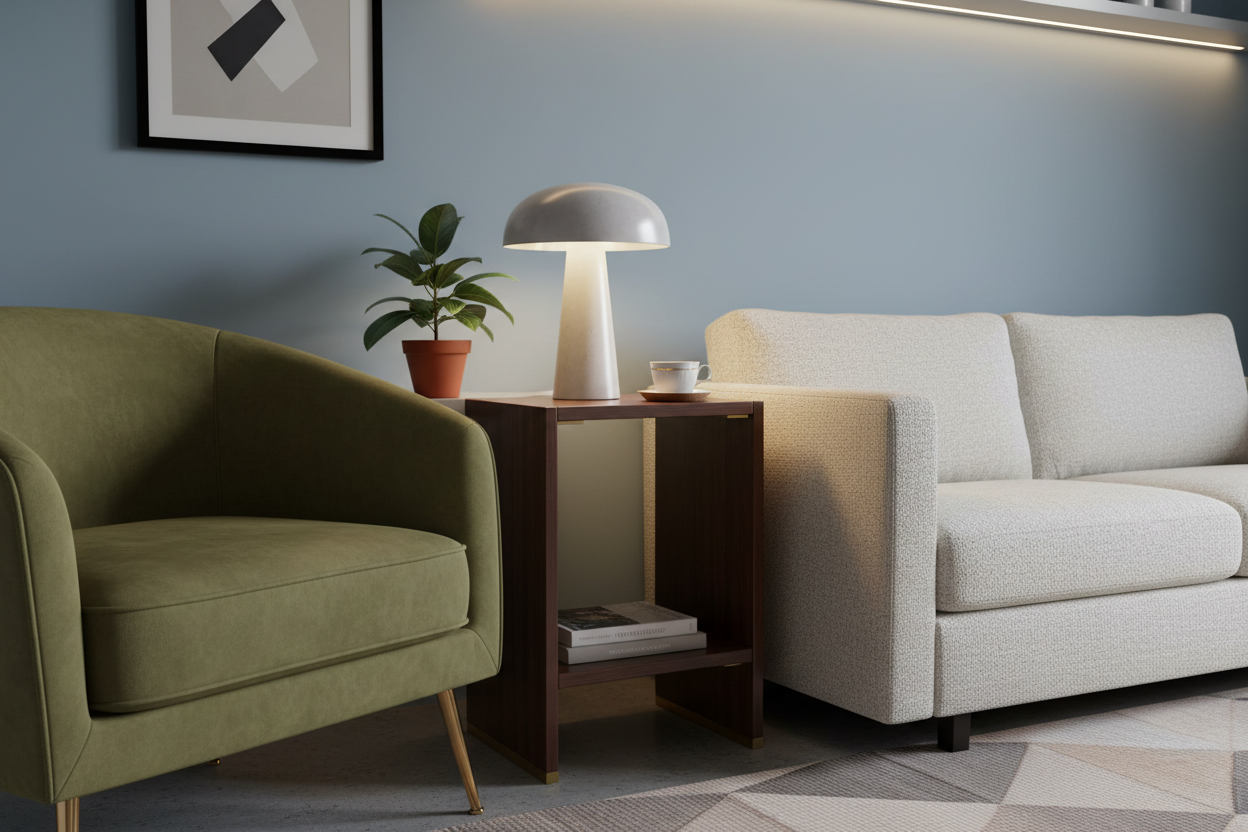
Nothing ruins a thoughtfully designed space faster than a power strip sitting on the floor. Invest in a desk with a built-in cable tray, or mount a wire basket to the underside of your desk. Route all cables along the back legs using velcro strips. Add a textured ceramic table lamp, a small potted pothos, and a leather desk pad to introduce organic shapes and warm up the coldness of your tech equipment.
Lessons from My Own Projects
I learned the hard way that a vintage 1920s mahogany writing desk looks stunning on a mood board, but is an absolute nightmare for a modern dual-monitor setup. A few years ago, I placed a beautiful antique desk in my own home office. The 20-inch depth meant my large monitor was practically touching my nose, causing severe eye strain. Furthermore, the solid wood back panel offered zero routing for modern cables.
I eventually had to take a drill with a two-inch hole saw to the back of this beautiful antique just to make it usable, and I still ended up swapping it out a year later for a desk with a 30-inch depth. It was a painful lesson: never let pure aesthetics override the physical requirements of your daily work equipment.
Frequently Asked Questions
How deep should a home office desk be?
If you use a laptop, a 20 to 24-inch depth is sufficient. However, if you use one or more external monitors, you need a minimum depth of 28 to 30 inches to ensure proper focal distance and prevent eye strain.
How do I hide my computer monitors in a living room?
Consider a secretary desk or an armoire desk where the front panel folds up to conceal the interior. Alternatively, use a decorative folding room divider screen that you can pull across your workspace at the end of the day.
What is the best lighting for working from home?
Avoid relying solely on overhead recessed lighting, which casts harsh shadows on your face during video calls. Layer your lighting: position your desk near a window for natural ambient light, and add a dedicated task lamp with an adjustable arm to illuminate your keyboard and notes.

Leave a comment
This site is protected by hCaptcha and the hCaptcha Privacy Policy and Terms of Service apply.