










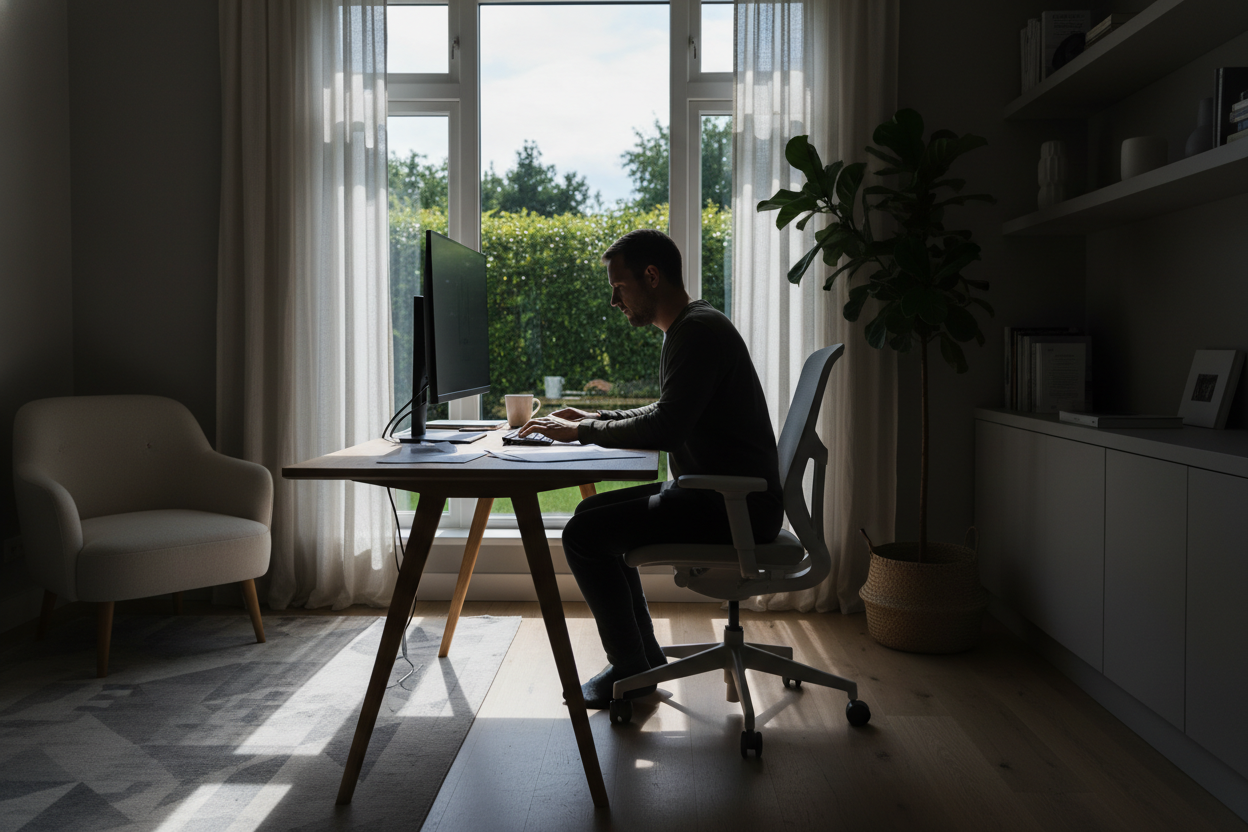
Nothing disrupts the visual continuity of a curated interior quite like a clunky, utilitarian desk shoved haphazardly into a corner. As we continue to blur the lines between professional environments and personal sanctuaries, the challenge isn't just buying furniture; it is seamlessly integrating a workstation home setup that respects your existing architecture while fostering deep focus. The goal is to create a space that feels intentional, not like a temporary compromise.
Quick Decision Guide: Key Features for Home Offices
If you are scanning for the essentials, these are the non-negotiable elements I prioritize when sourcing for clients:
- Material Integrity: Opt for solid wood or high-grade veneer over hollow-core laminates for longevity and tactile warmth.
- Ergonomic Depth: Ensure the desk surface is at least 24–30 inches deep to accommodate monitors without cramping your focal depth.
- Visual Weight: In smaller rooms, choose legs with open silhouettes (metal or slender wood) to maintain an airy feel.
- Cable Management: Look for integrated grommets or hidden channels; visible wires are the quickest way to degrade a room's aesthetic.
Curating the Right Aesthetic and Materials
When selecting pieces for a home working station, materiality is paramount. In a corporate office, durability often trumps texture, but in a residence, the tactile experience matters. I often steer clients toward walnut or white oak finishes. These natural materials introduce warmth that counteracts the sterility of monitors and keyboards.
Avoid high-gloss finishes if you work near windows. While they look sleek in a showroom, they create distracting glare that fatigues the eye by midday. Matte or satin finishes absorb light rather than reflecting it, creating a softer visual anchor in the room.
Space Planning and Orientation
The placement of work stations at home is often where the biggest mistakes happen. The instinct is often to push the desk against a wall to save space. However, this "time-out" position is psychologically stifling. If square footage allows, I recommend floating the desk perpendicular to a window or in the center of the room facing the door (the "command position").
This layout not only improves your view but also allows you to use the desk as a partition, subtly dividing a living area from a workspace without erecting walls. If you must face a wall, soften the view with a large-scale piece of art or a pinboard upholstered in linen to dampen sound and add texture.
Lighting: The Forgotten Layer
Overhead recessed lighting is rarely sufficient for a workstation. It casts shadows directly over your workspace. To achieve a sophisticated look that functions well, you need to layer your lighting. Start with ambient light, but prioritize a high-quality task lamp with an adjustable arm. Look for fixtures with a Color Rendering Index (CRI) of 90 or higher; this ensures that the colors in your room (and on your screen) look accurate and prevents the sickly pallor common with cheap LEDs.
Lessons from My Own Projects: The "Glass Desk" Trap
Early in my career, I designed a minimalist workstation for a client who was obsessed with the "invisible" look. We installed a stunning, architectural glass desk. Visually, it was a masterpiece—it made the small room feel massive. However, three months later, the client called me with regrets.
The issue wasn't the look; it was the daily reality. First, glass is cold to the touch, which became uncomfortable for her wrists during long typing sessions. Second, optical mice don't track well on glass without a pad, which ruined the clean look she wanted. Finally, there was nowhere to hide the cables; every wire hanging down the back was visible through the desktop. I learned a valuable lesson that day: never prioritize a silhouette over the tactile reality of daily use. Now, if a client wants glass, I insist on a leather desk blotter and a floor-mounted cable spine to manage the visual chaos.
Conclusion
Designing a functional workspace doesn't mean turning your home into a cubicle farm. By focusing on rich materials, proper orientation, and layered lighting, you can build a workstation that enhances your home's design language rather than fighting against it. Treat this area with the same design rigor as your living room, and your productivity will thank you.
Frequently Asked Questions
What is the ideal desk height for a workstation home?
The standard desk height is between 28 and 30 inches. However, if you are shorter or taller than average, an adjustable sit-stand desk is preferable. If you choose a fixed height, ensure your chair adjusts sufficiently so your elbows rest at a 90-degree angle.
How do I fit a home working station in a small bedroom?
Look for wall-mounted ladder desks or "secretaire" styles that can fold up when not in use. These utilize vertical space and reduce the footprint. Alternatively, a console table behind a sofa can double as a desk if the depth is sufficient (at least 20 inches).
Is a curved desk better for work stations at home?
Curved desks can be excellent for ergonomics as they increase the accessible surface area without requiring you to reach far. However, they can be difficult to place in a room unless positioned in a corner. For most homes, a rectangular desk offers more layout flexibility.


Leave a comment
This site is protected by hCaptcha and the hCaptcha Privacy Policy and Terms of Service apply.